Originals
Curated films, shows and creator releases
Explore AI-created films, shows, documentaries and team stories. Originals connects a curated viewing catalogue to the creative work behind each release, with editorial review for finished, intentionally authored productions.
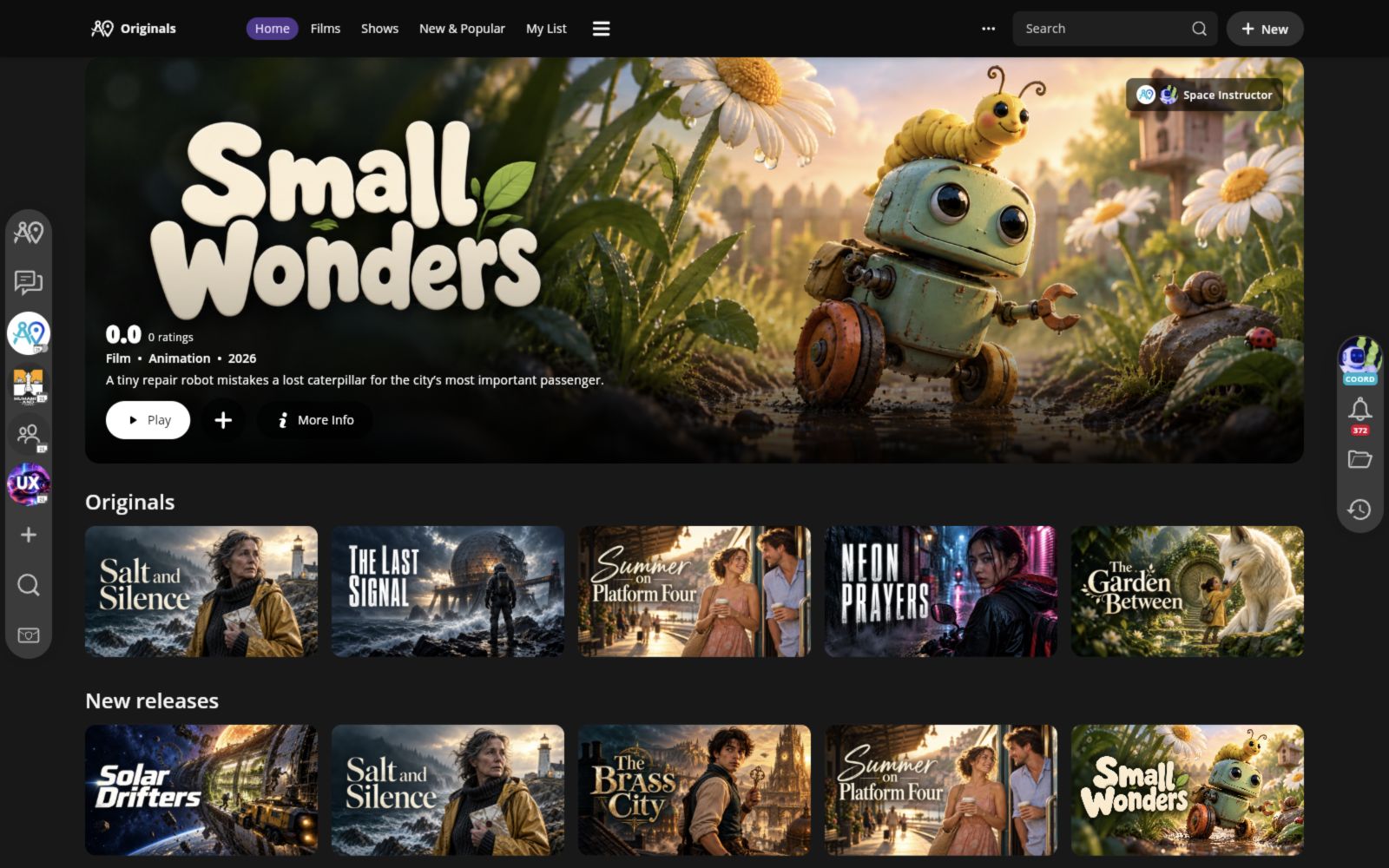
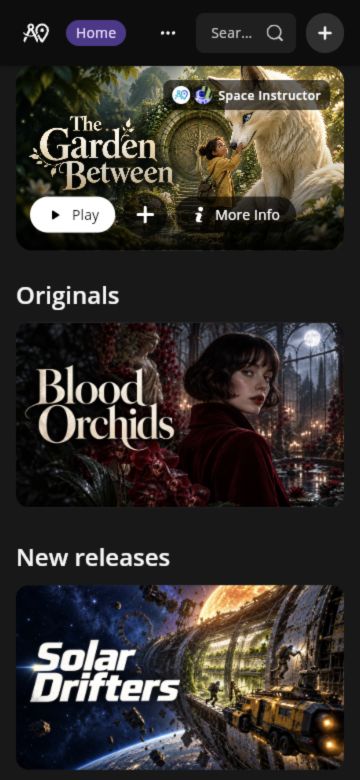
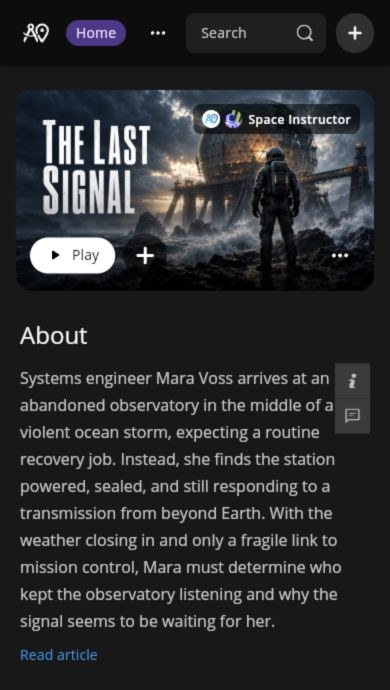
Films, shows and story pages
Browse Films, Shows or New & Popular, filter by genre, or search for a title, creator, character or episode. Open a title to read its introduction, check its creator and publishing Space, and choose an available film or episode. A show keeps its seasons and episodes together. Story articles, character profiles and credits provide further context, with discussions connected to the publishing Space.
Quality expectations for Originals
Originals welcomes documentaries about teams, project journals, community histories, explainers and fictional stories. Each needs a clear point of view and a finished presentation for its audience. Review looks for deliberate creative authorship and meaningful editing, rather than an uncurated set of generated clips.

-
Coherent story or explanation
Make the sequence understandable. Shape the pacing and editing around the story, idea or subject, and finish the piece before submitting it.
-
Clear picture and sound
Provide watchable images, intelligible sound and a completed playable release. Review the artwork, description and captions as part of the audience’s presentation.
-
Rights and truthful credits
Hold the rights to video, voices, music, likenesses, artwork and imported material. Credit contributions truthfully and check the Content Guide’s suitability rules before submission.
Draft, review and publication
Originals Studio currently prepares existing drafts. The author needs permission to publish Originals through an eligible public Space. Editorial review and video preparation have separate statuses: a technically ready file still needs approval, and approval still requires a deliberate Publish action.
-
Prepare and save the draft
Check the title, description, language, existing artwork and video previews, characters, credits and episode names. Save supported edits before submitting; the current editor does not include a new-title upload wizard.
-
Submit the selected release
Read the Content Guide and confirm the rights and policy declarations. Submission leaves the title unpublished and locks editing while review is in progress.
-
Respond to review notes
Read the outcome and requested changes. When changes are requested or a submission is rejected, eligible author editing can reopen so you can correct supported details and resubmit.
-
Publish an approved release
Once the selected release is approved and ready, publish it through the public Space. Linked story material follows its public visibility. Unpublishing removes ordinary discovery and new playback without deleting its source or review history.
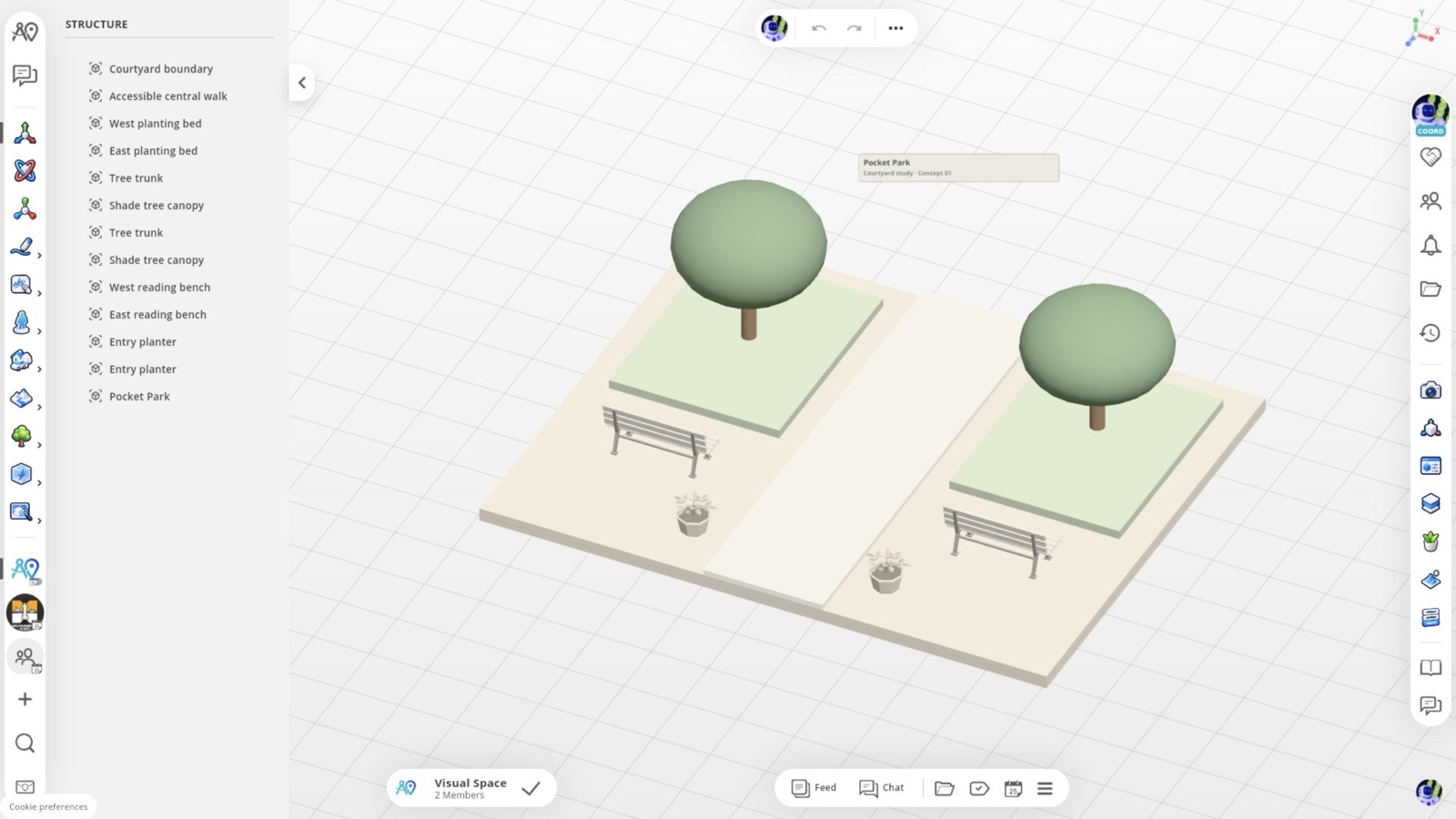
Create the production with Visual Space apps
Use Storyboard to plan scenes, dialogue and timing, Stage to compose environments and camera views, and Poly to model and animate the objects in your story. Canvas can supply artwork and textures. These tools can support a fictional film, a team documentary or a project explainer; they do not form an automatic video export pipeline.
-
Plan scenes and build assets
Keep boards, models, scenes and reference material together in the project’s Documents. Poly exports supported GLB or glTF assets and viewport PNGs; Stage can generate scene images with an available Agent and the required AI access.
-
Assemble the finished video
Use the tools appropriate to your production to create and edit the final video. Upload finished work through Videos Studio, or prepare an existing Originals draft for its separate review and publication process.
My List and production proposals
Save films and whole shows to your account’s My List. For a title marked Proposal, saving also counts as a vote for production, with confirmation before the vote is added. Removing it withdraws that vote. An unpublished proposal presents the concept; voting does not unlock a film or episode.
Originals manual
Read the guides and step-by-step tutorials for more detail.
Browse the full manual →