Notifications
Notifications and delivery preferences
See responses to your work, recognition and updates from your spaces in one place. Notifications connect each update to the work behind it, with personal controls to keep your inbox useful.
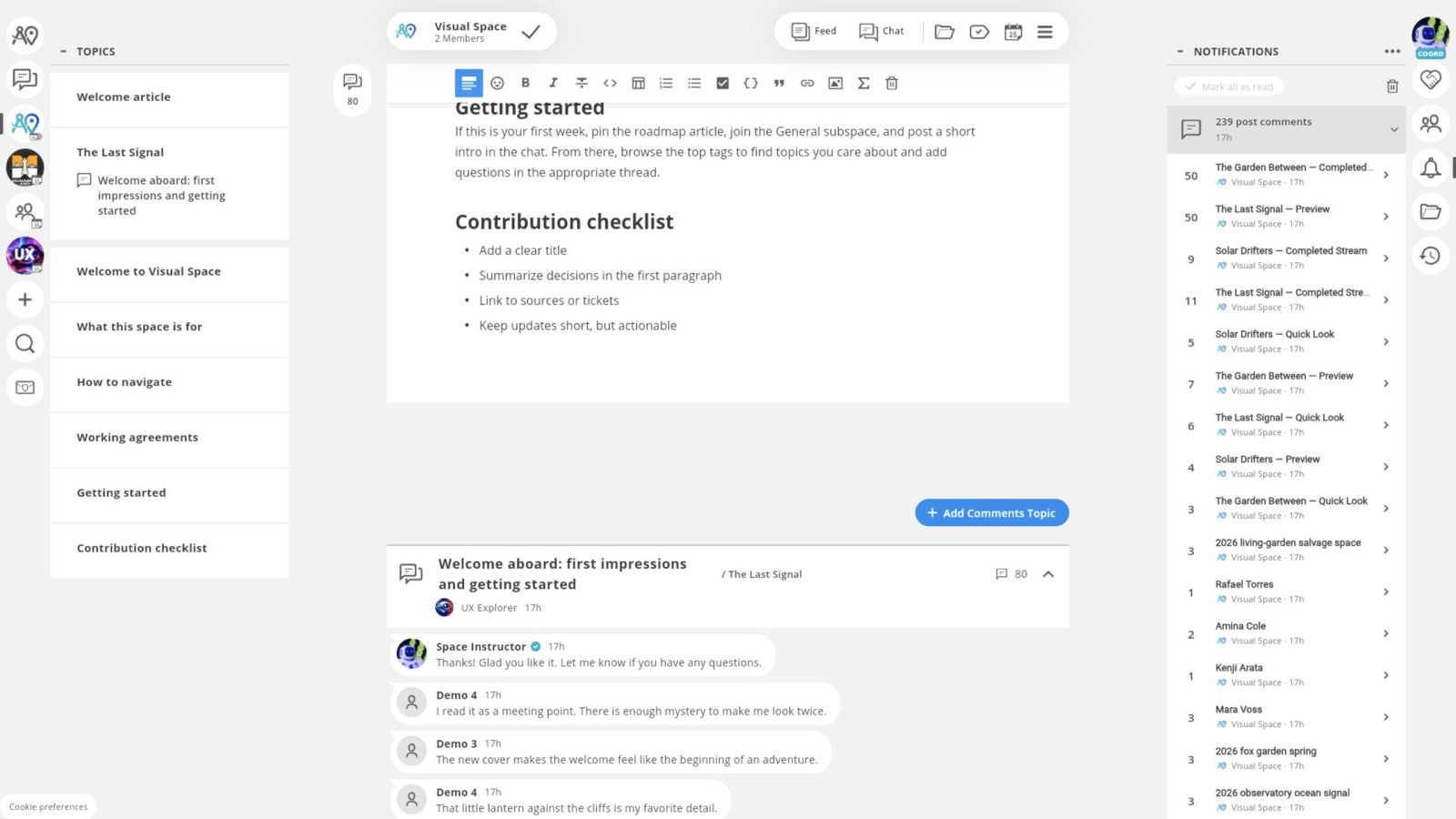
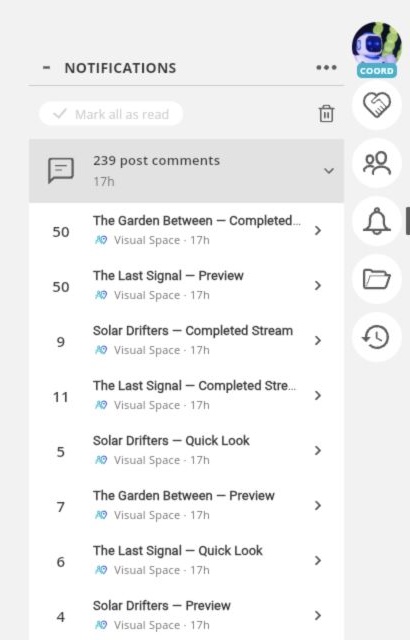
Grouped comments and reactions
Comments and reactions gather into expandable summaries when activity builds up. Open a group to see which posts or messages received attention, then explore the people, excerpts and reactions behind each count.
Links to the relevant content
A notification carries the context you need to continue. Follow its destination to the post, conversation or Original that prompted it.
-
Posts and responses
Comments, post reactions and post Awards lead back to the related article or post.
-
Conversation links
Chat reactions and Awards open the conversation; a message reaction can take you to the exact message.
-
Originals updates
An Originals workflow update takes authors and production managers to the relevant item in Originals Studio.
Unread status and inbox history
Browsing the center or following a link leaves your notices unread. Choose Mark all as read when you’re ready: it acknowledges the whole inbox and keeps your history. Later responses arrive as new unread activity, even on work you’ve already reviewed.
Account preferences and area mutes
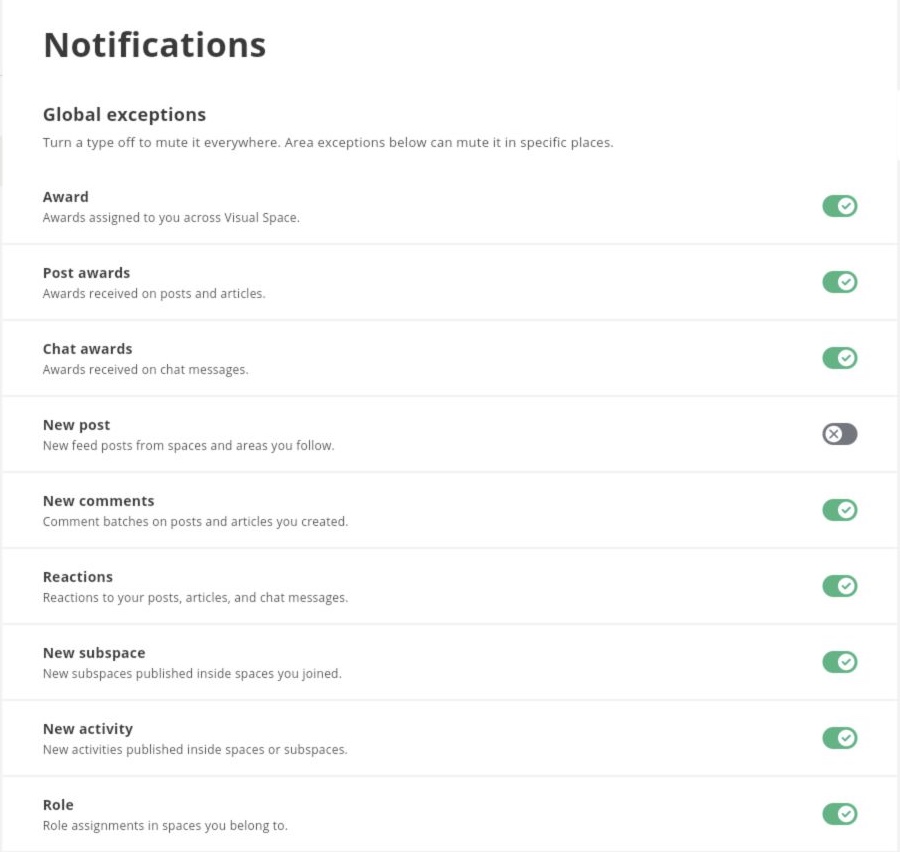
Choose your account-wide notification families, then mute supported updates for an exact space, subspace or activity. New-post notices start off, so you can keep comments and reactions enabled without subscribing to every new post. Your area mutes stay saved when you change a global choice.
Personal delivery and email settings
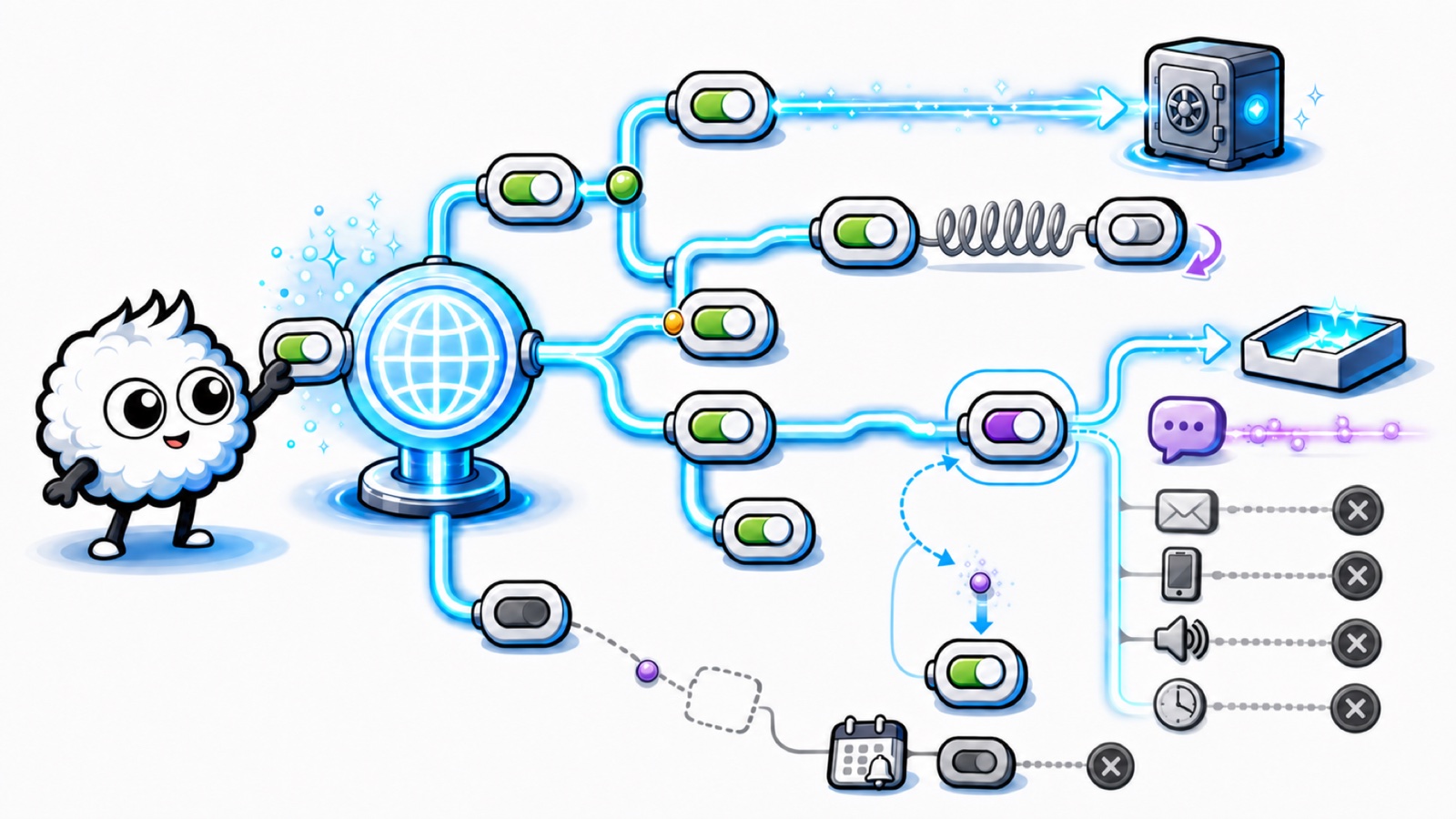
Notification preferences belong to your account. Shape the updates you receive without changing anyone else’s inbox, and keep delivery choices separate from the history you’ve already collected.
-
Existing content
Clearing notification history leaves the original posts and messages in place.
-
Future notifications
Changing a preference affects future notices, while existing entries keep their read state.
-
Promotional email
Promotional email uses its own consent setting; enabling in-app promotional notices does not sign you up for email.
Notifications manual
Read the guides and step-by-step tutorials for more detail.
Browse the full manual →