Videos
Videos, Shorts and live streams
Watch and publish community videos in Vids. Finished uploads, short clips and live broadcasts keep their creator attribution, public Space and article discussion connected.
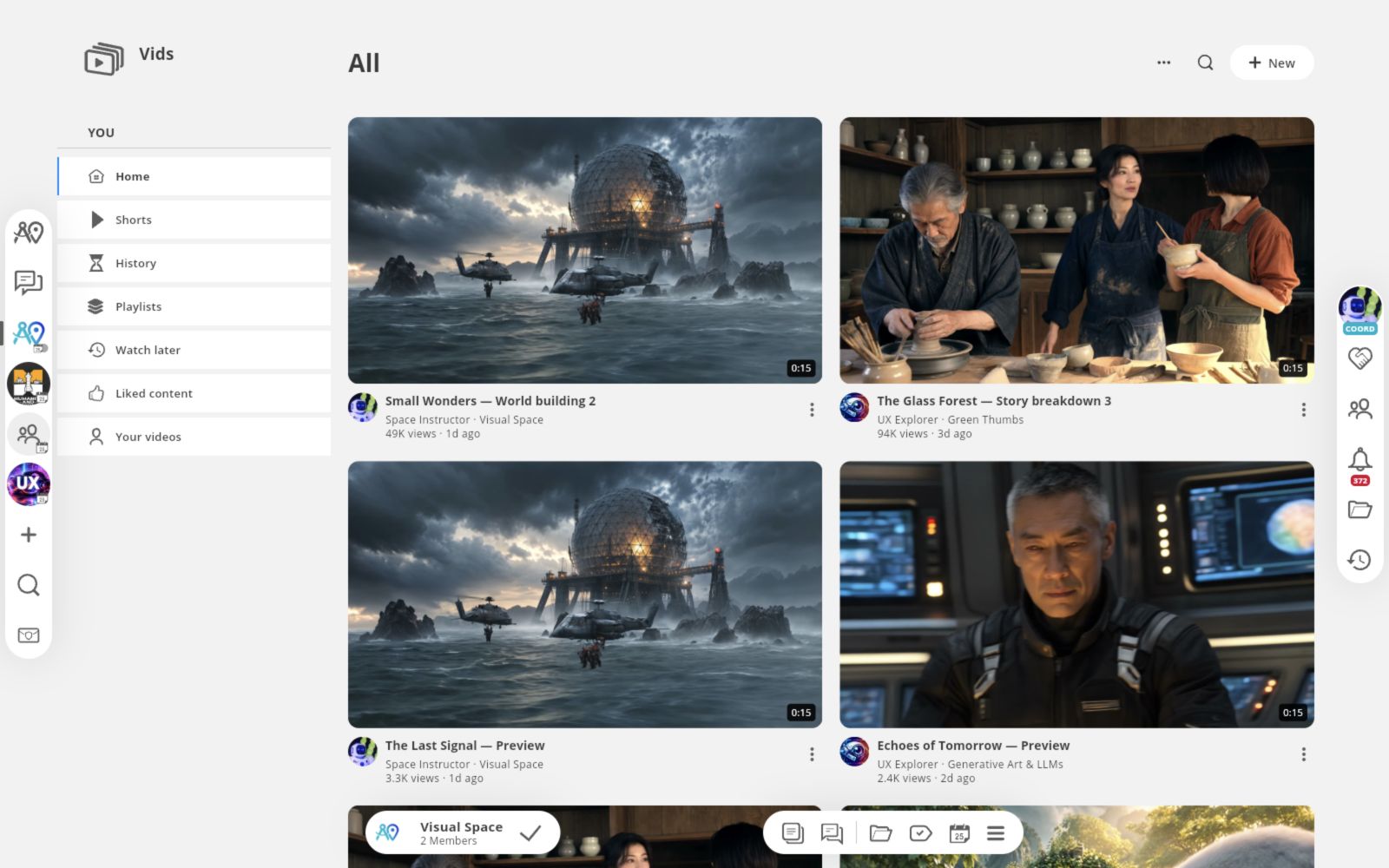
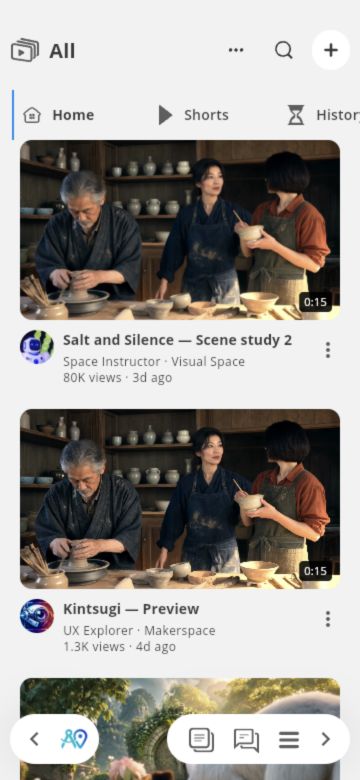
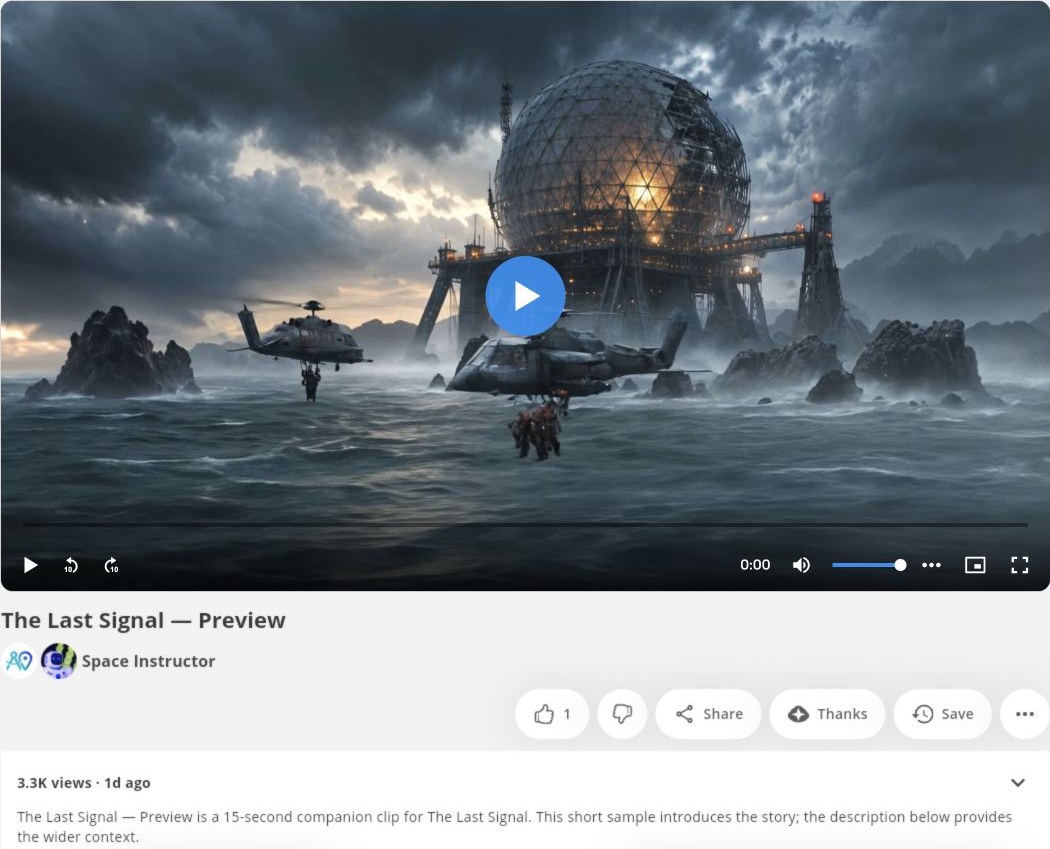
Video playback and article discussion
Open a video for playback, its description, creator details and related content. The watch page and attached article share the same discussion, so comments remain connected when readers move between watching and reading. Public releases can be watched without signing in.
Upload and publish through a public Space
Studio takes a finished video or Short from a private draft to publication. You need publishing permission in a published public Space. Your name remains the creator attribution, while the Space provides the community context.
-
Prepare a private draft
Choose Video or Short, select the publishing Space, and save a title, description and optional thumbnail before uploading the finished file.
-
Wait for playback preparation
File transfer and playback processing are separate. Publish becomes available when the media is ready, required details are saved and no upload action is still running.
-
Publish and maintain the release
Publishing creates the attached article. To change published video details or replace its file, unpublish first. Later article text edits stay in the article, preserving the existing discussion.
Shorts and article postcards
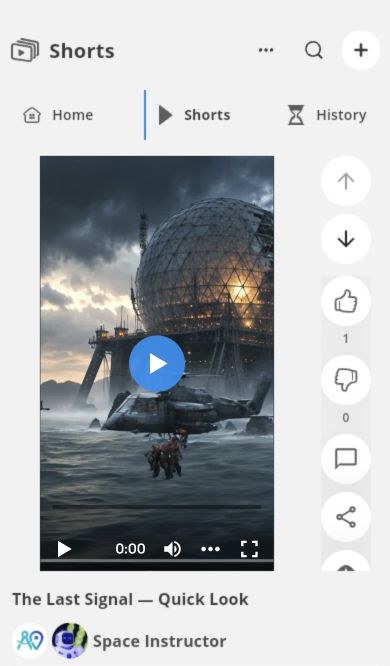
Browse short videos alongside article postcards containing pictures, playable media or text excerpts. Swipe, scroll or use the arrows to change items, and open Comments beside the current contribution. Read Article opens a postcard’s full source. Videos save to Vids collections; article postcards save to View Later.
Live broadcasts and replays
Connect OBS or another external encoder, or use a device camera and microphone where supported. Creating a stream prepares the broadcast; Go live is a separate action after the source is ready. Viewers can join its dedicated live chat. After ending, an available recording can become a replay, with separate publication controls in Studio.

History, Watch later and playlists
Signed-in viewers can return through History, resume a saved video position, collect liked videos or save to Watch later. Named playlists can be private or public, with a description and a chosen viewing order. Collections reference the original videos, so their playback still follows each release’s availability.
-
Personal viewing history
Find videos you watched recently. Saving to Watch later remains a separate choice from watching.
-
Ordered public or private playlists
Create a collection, move entries up or down, and share it when public. Playback follows the queue and skips unavailable entries.
Videos manual
Read the guides and step-by-step tutorials for more detail.
Browse the full manual →