Meetings
Voice, video and shared work
Bring voice, video, shared screens and live apps into the conversation where your work already happens. Meet in an activity or a Direct Message, then keep the call beside your workspace.

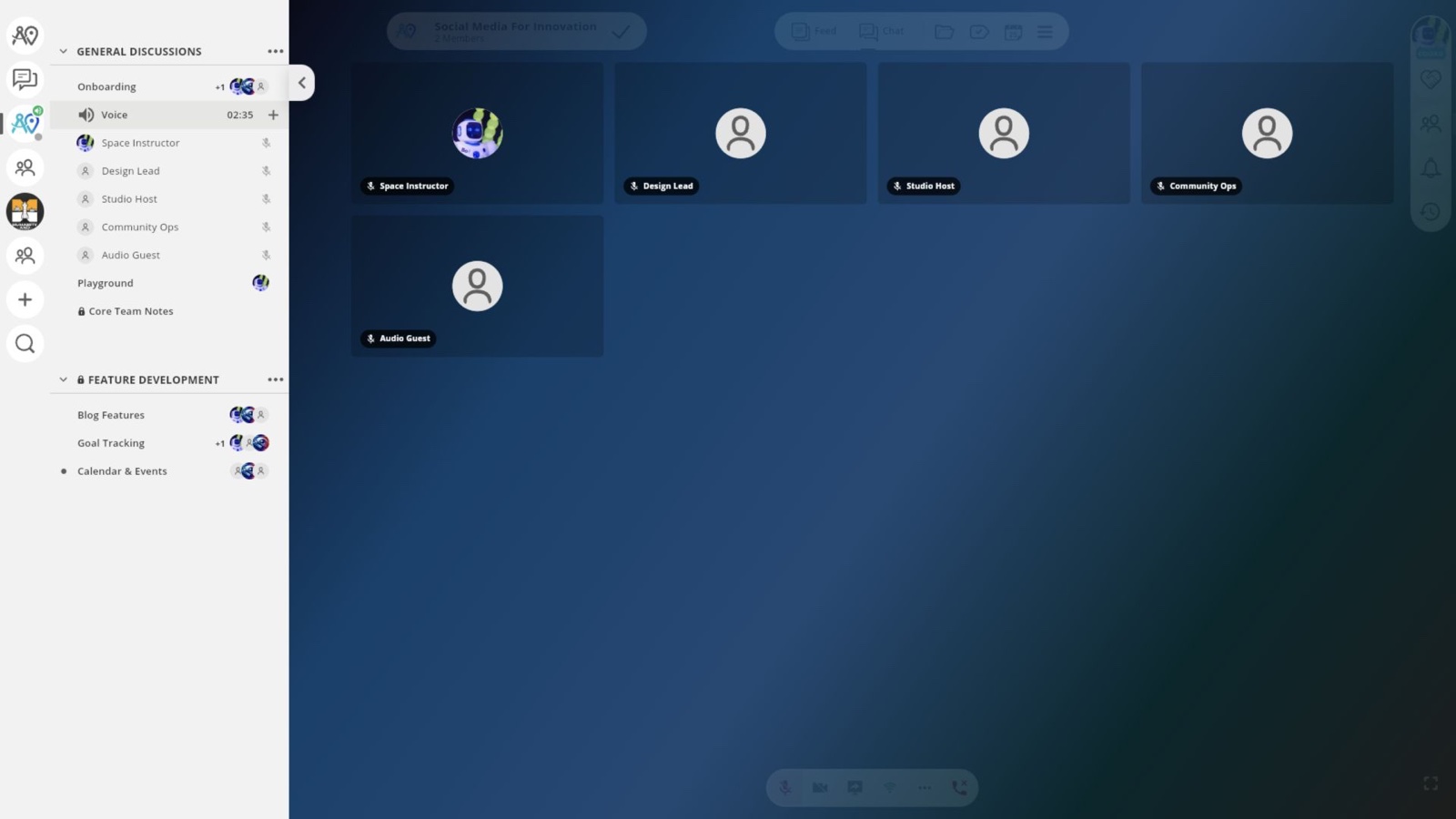
Activity rooms and private calls
An activity has its own Voice room, so people with access can join the discussion where its messages and shared work already live. Different activities can meet in parallel. For a smaller conversation, start a private call inside your Direct Messages.
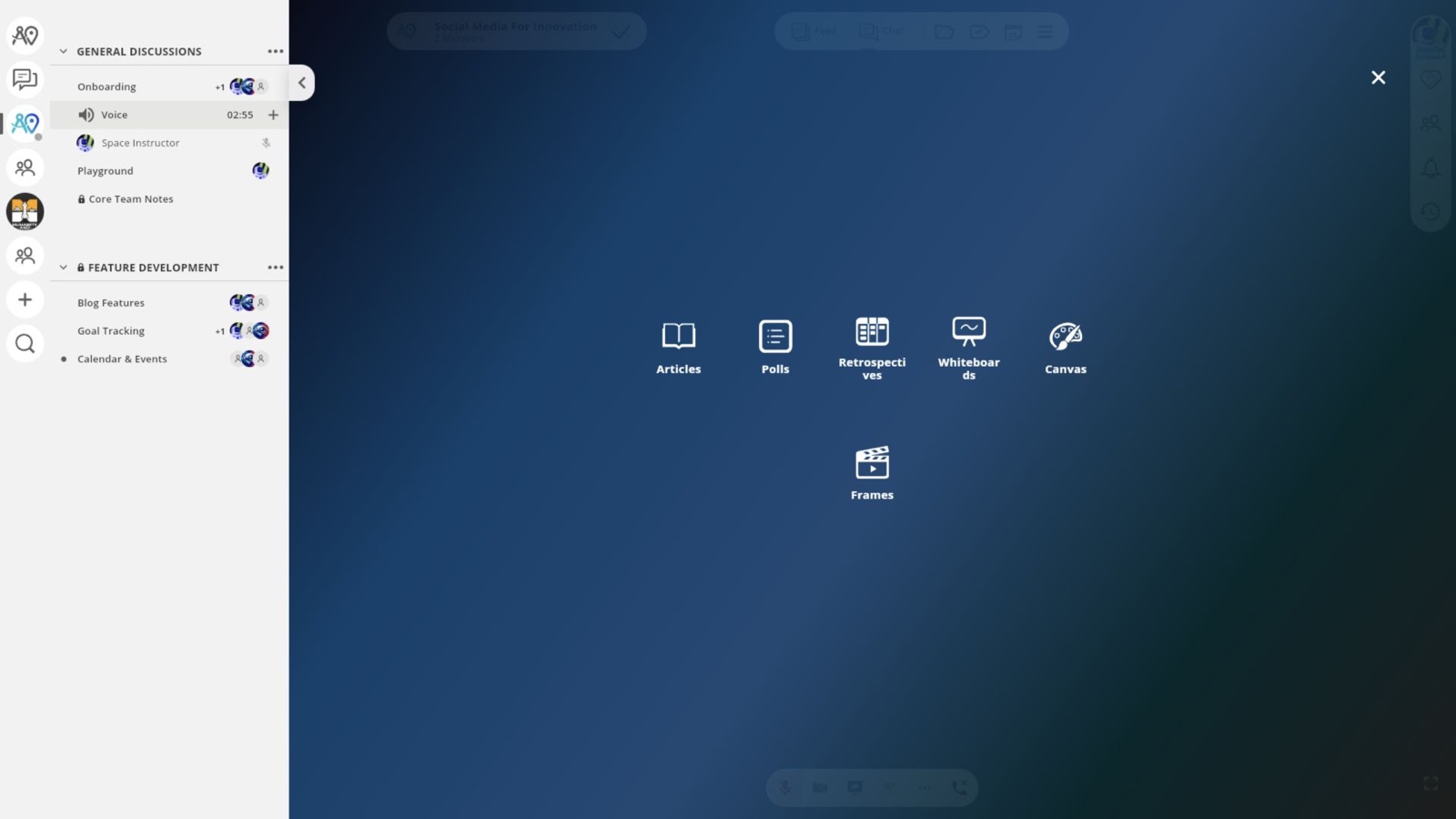
Open live apps during a meeting
Activity meetings can put an Article, Poll, Retrospective, Whiteboard or Canvas on the stage as a live app. Open accessible work or create a supported draft, then use the app's own tools. The document keeps its access and saving rules, and saved work remains available after the call.
-
Live app tools
A live app offers its own workspace controls alongside the conversation.
-
Saved documents
Closing the meeting feed leaves the source document in its owning app. Frames is coming soon.
Cameras, screen shares and viewing layouts
Cameras, screen shares and live apps are separate feeds. Several people can share screens at once, and everyone chooses which feed to follow. Your layout adapts to your task without changing what the rest of the room sees.
-
Grid view
Keep the available feeds together for a quick overview.
-
Stage view
Enlarge one feed with the other feeds nearby in a carousel.
-
Focus view
Hide the carousel to give the selected presentation or workspace more room.
Hand raising, reactions and Awards
React for a quick response, or raise your hand to join the speaking queue. Activity meetings reuse your space's custom emoji and let eligible participants give one another Awards. Invitations help people find the room, while authorized members can manage participation when the discussion needs it.
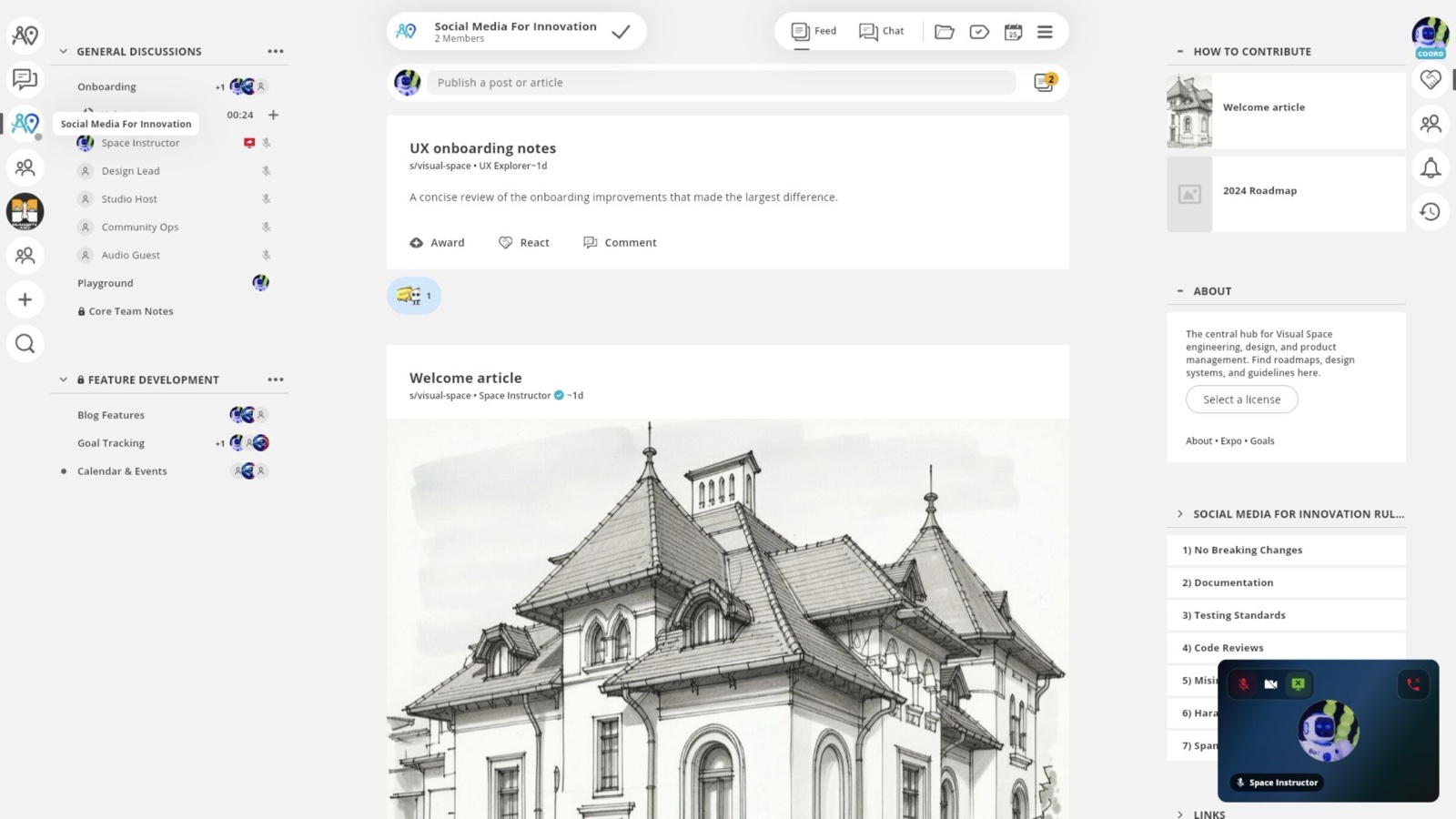
Picture-in-picture calls
Close the full stage while staying connected, then read or edit elsewhere in Visual Space. A movable picture-in-picture preview keeps your chosen feed and essential call controls nearby. Drag it into a corner, collapse it to an edge, or reopen the stage when the conversation needs your full attention.
Meetings manual
Read the guides and step-by-step tutorials for more detail.
Browse the full manual →