Chat
Activity Chat and Direct Messages
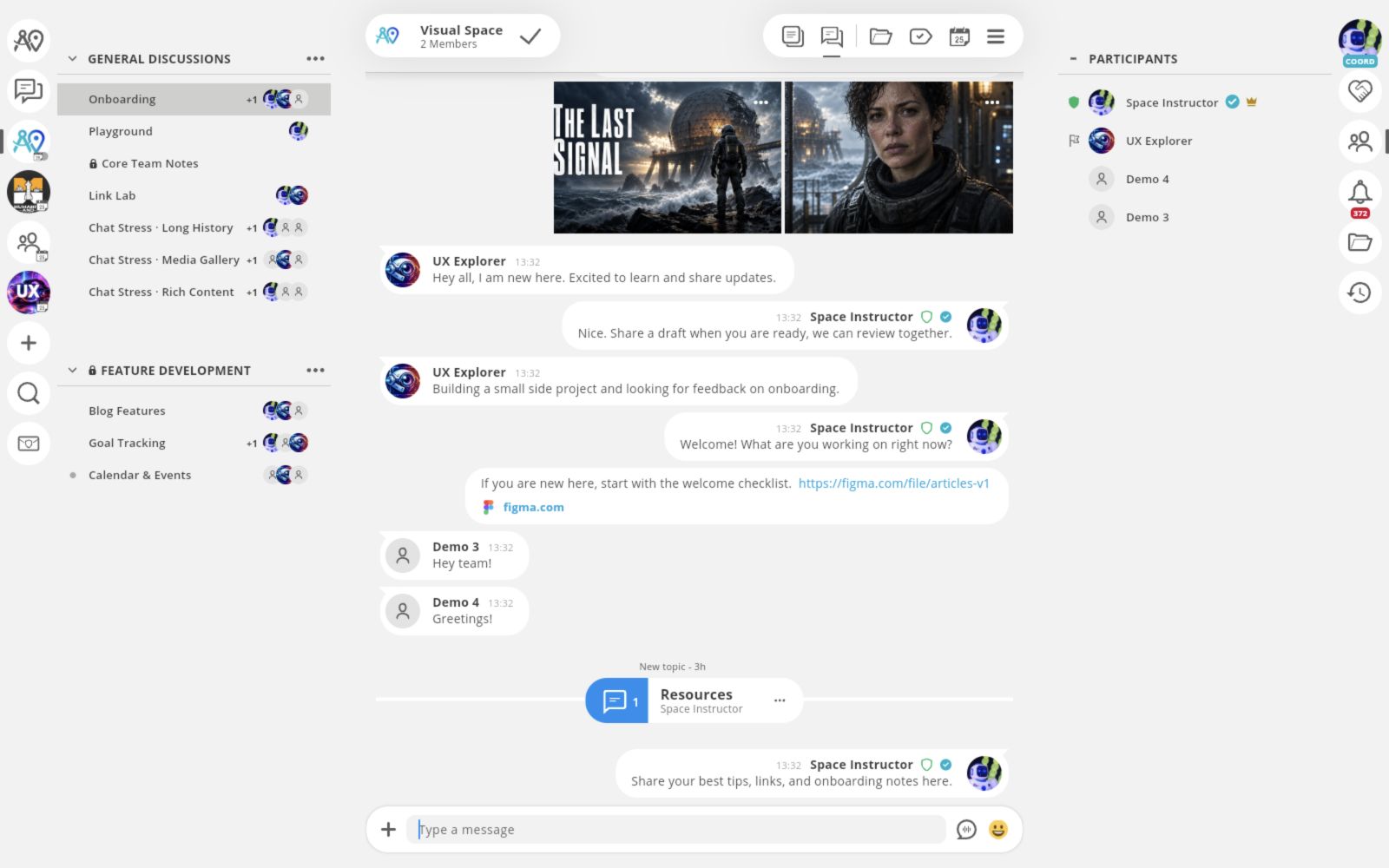
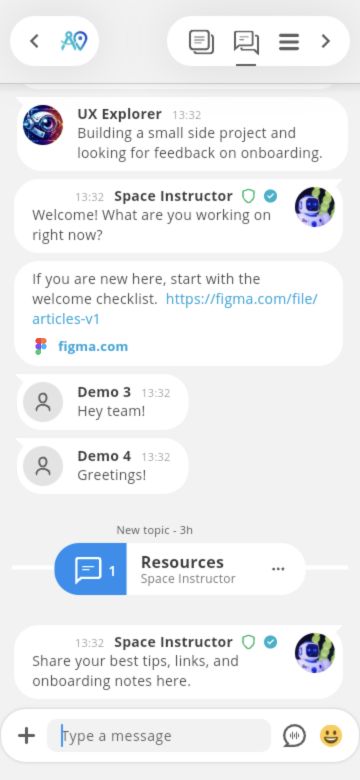
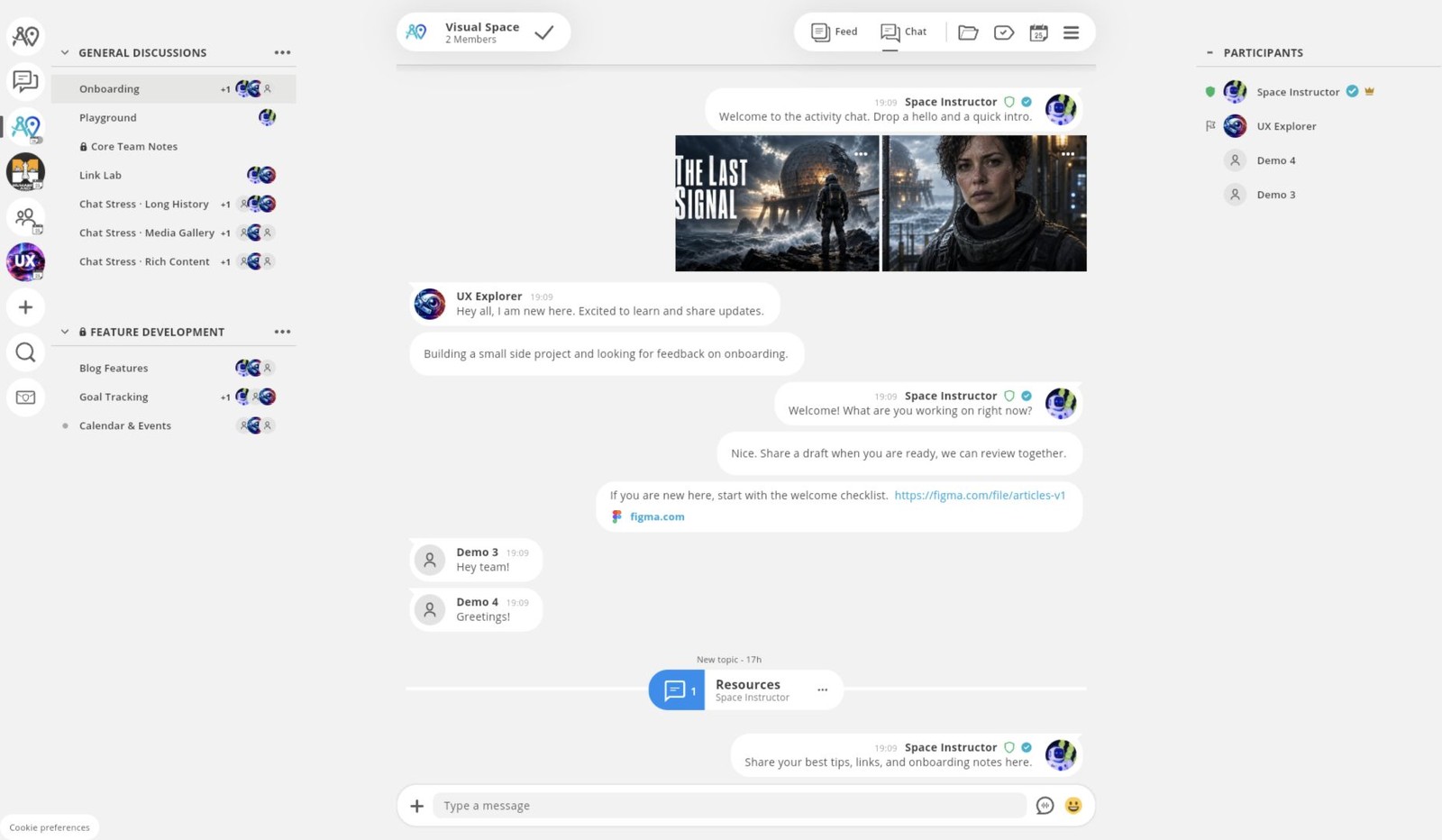
Use Activity Chat for shared work and Direct Messages for private conversations. Topic dividers separate subjects in a long conversation, and Activity topics connect to summary articles for the decisions and findings worth keeping.
Conversations within Activities
Each activity has its own conversation, with its goals, files and contributors close at hand. Topic updates give the wider space an overview, while opening one takes you into the activity where that discussion belongs.
Topic dividers and summary articles
A topic divider gives a new subject a visible title and a clear boundary in the conversation. Returning members can find the discussion they missed without reconstructing it from individual messages. Activity Chat topics have a connected summary article; Direct Message topics divide the private conversation without creating an article.
-
Create a topic divider
An authorized member starts an Activity topic, prepares its title and summary, then publishes the divider and article together.
-
Discuss the current topic
Messages continue in the latest published topic. Opening an older divider lets you revisit the subject without changing where new messages are sent.
-
Write the connected summary
Preserve the decision, useful findings and next steps in the connected article. Space and Subspace Chat gather Activity topic dividers into an overview.
Files, links and goal references
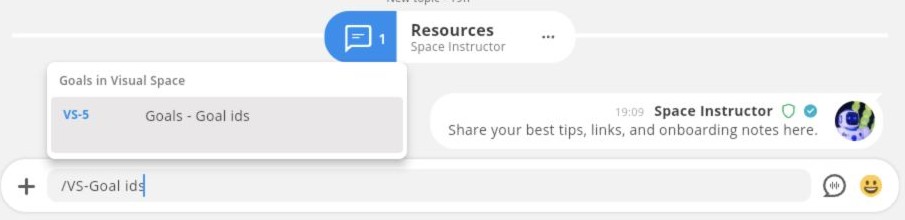
Reference a goal people can open, link another activity, or share the file everyone needs. Activity Chat uploads connect to Documents, and existing Documents can be dropped into the composer without downloading and uploading them again.
-
Linked goals
Selected goal references keep their connection as the visible goal name or location changes.
-
Document attachments
Shared files belong with the activity’s Documents, beyond the moment they appeared in Chat.
Publish messages as articles
When a contribution deserves a wider audience, eligible members can start an article directly from an Activity Chat message. Its text, original author credit, visual media and links arrive in the editor for review before publishing.
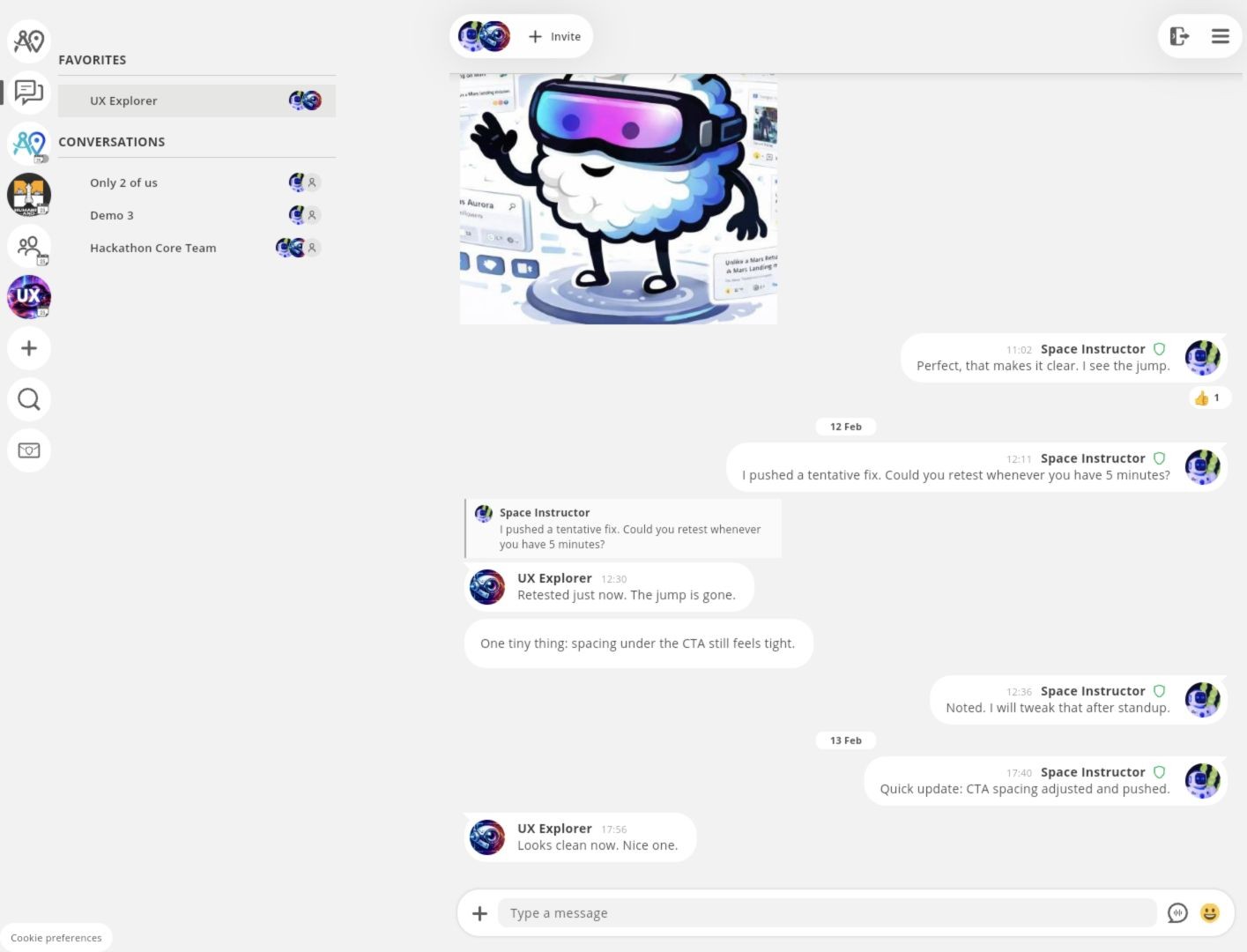
Private and group conversations
Move into a one-to-one or group Direct Message with eligible people you already encounter through shared chat. Conversation topics, replies and private attachments keep the exchange organized. Favorites, mute and read controls help you manage your own attention.
Chat manual
Read the guides and step-by-step tutorials for more detail.
Browse the full manual →