Documents
Files, folders and app documents
Keep files, articles and supported app projects beside the activities they belong to. Documents connects your references, creative work and published results in one browsable library.
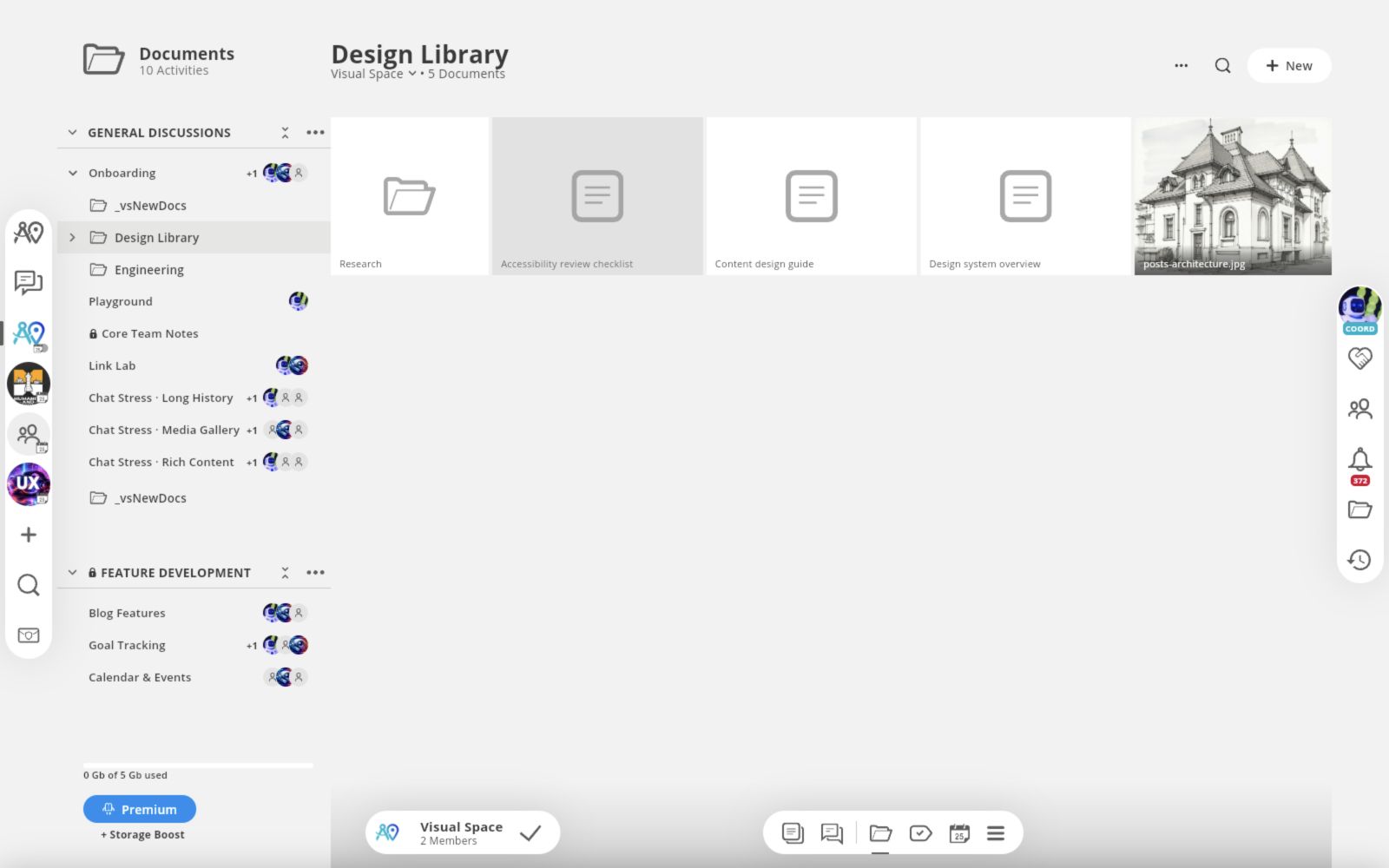
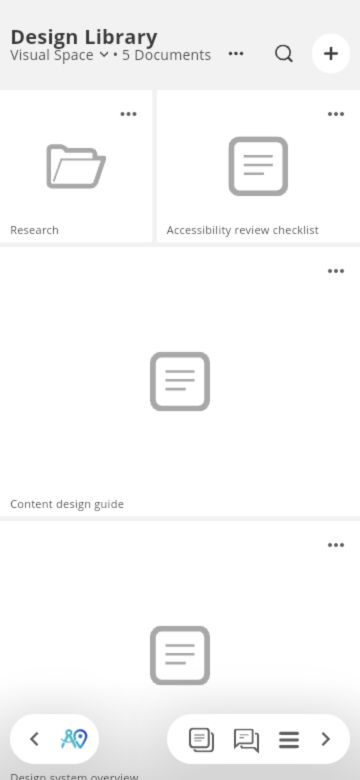
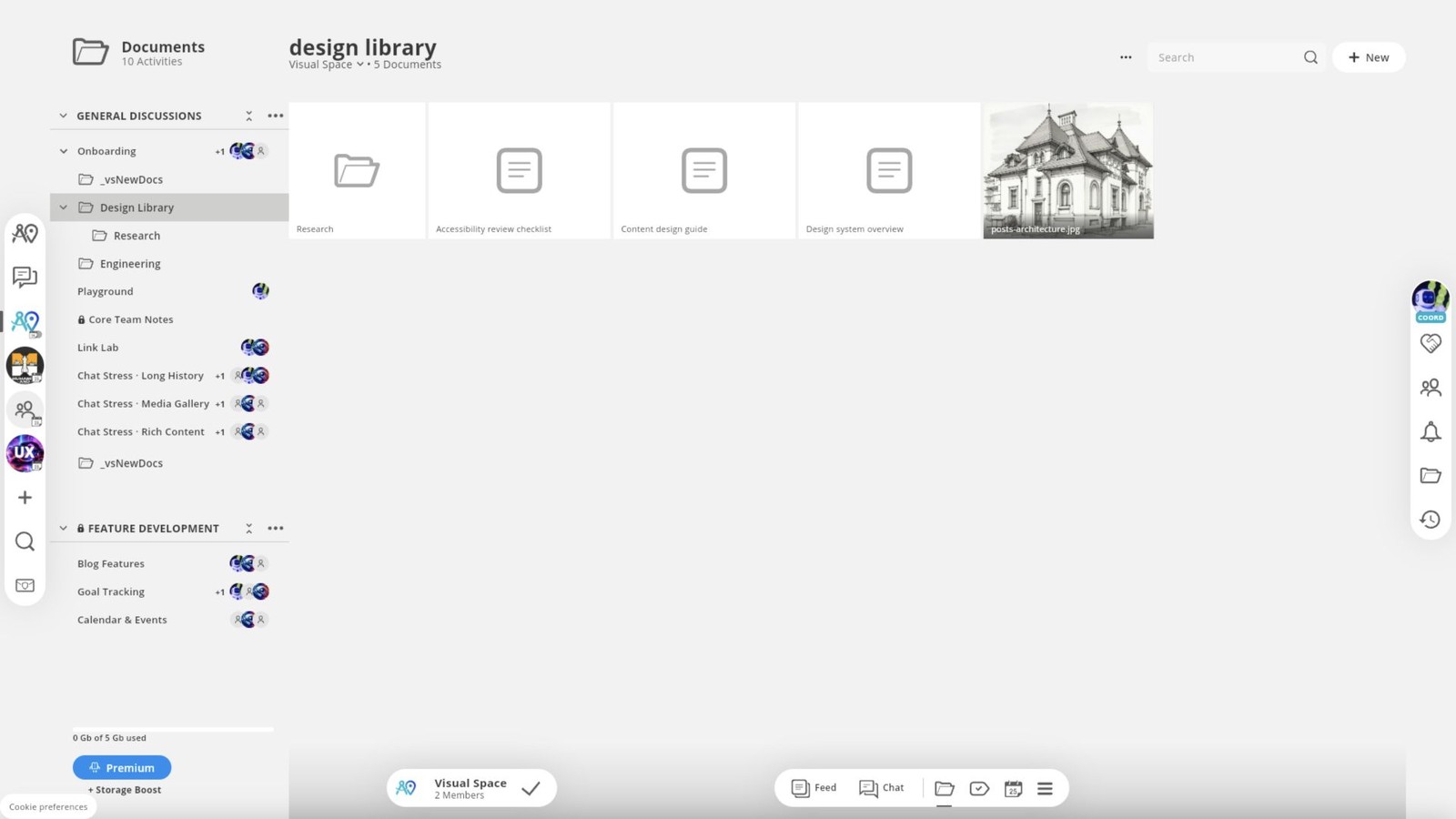
Space, Activity and folder navigation
Documents follows your space, subspaces and activities, then adds folders where you need them. The same project context that organizes your conversations also organizes its references and deliverables. Search within the current location, then switch between Grid and List to browse your way.
Open files in their matching apps
Original uploads and supported Visual Space app projects share the library. Open an image for viewing, an article for reading, or a recognized app project in the tools that created it. Your library becomes a route back into the work, as well as a place to store it.
-
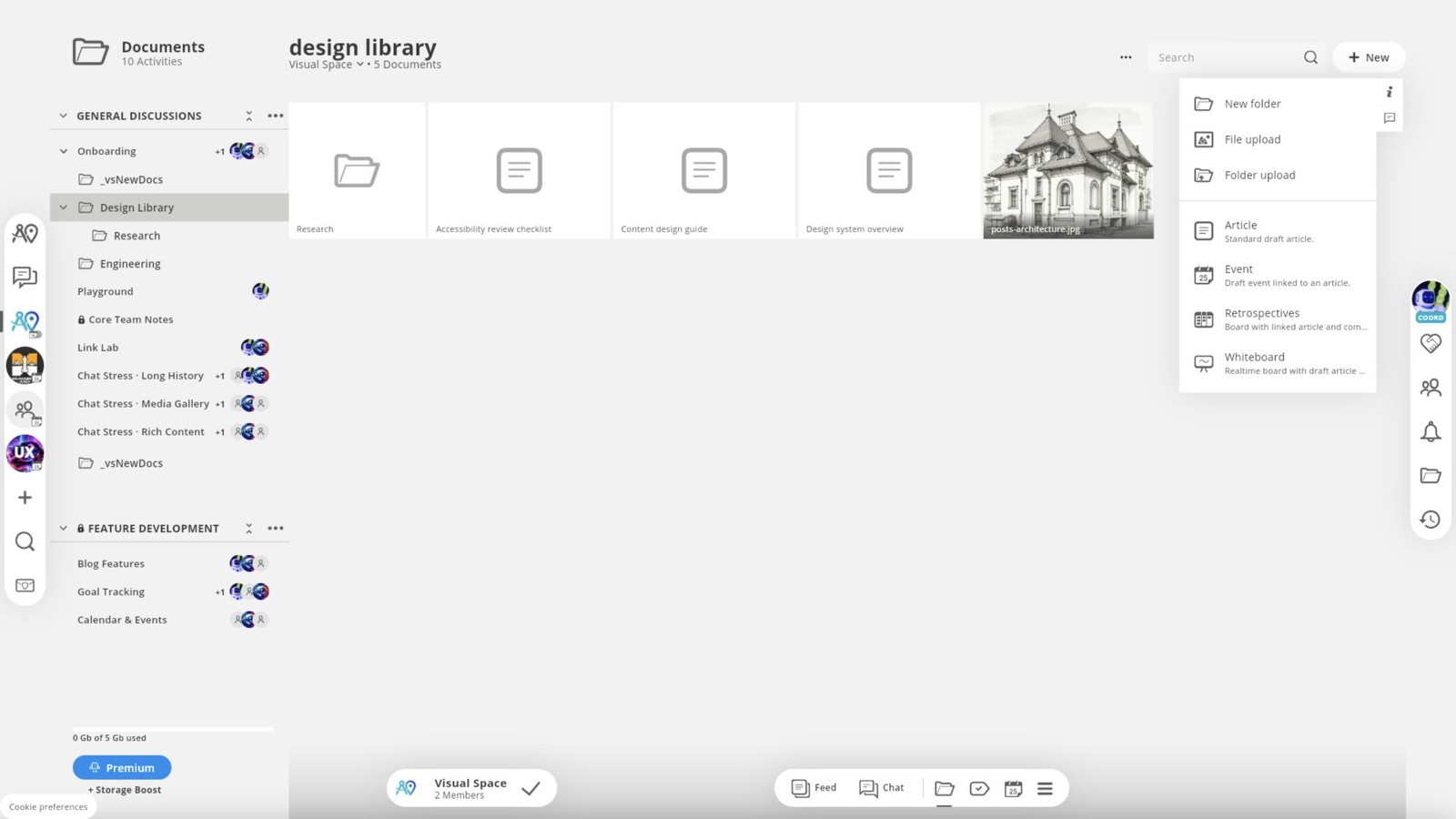
Space and folder location
The New menu brings uploads and eligible app-document creation into your selected area or folder.
-
Native app projects
Supported saved projects reopen in their own apps; an ordinary article draft returns to its editor.
Create articles from uploaded files
An upload can become the starting point for an article, with the original file kept in the library. Explain its purpose, prepare the presentation, and bring the result into the conversation when people need it.
-
Upload the source file
Upload files or a folder tree into the activity where the material belongs.
-
Prepare the article
Choose Publish on an upload to begin a separate article draft, then add the explanation readers need.
-
Share in Chat
Drop supported documents into Chat to prepare attachments or links, review the message, then send.
Wiki, Expo and saved references
Eligible published documents can be highlighted in Expo, while eligible articles can join a space’s Wiki. These curated views keep their connection to the source in Documents. View Later gives you a personal route back, and the owning area’s access still applies wherever people encounter the work.
Private files in My Docs
My Docs gives you a private library for references, folders and supported app projects. Browse its side panel while a community stays open, or enter personal Documents to organize your own work. Where copying is supported, keep an independent personal version of shared material without changing the community original.
Documents manual
Read the guides and step-by-step tutorials for more detail.
Browse the full manual →