Search
Search across Spaces and content
A few words can lead to the right post, goal, event, document or conversation. Search brings discovery together, then takes you back to where the work belongs.

Search content, conversations and people
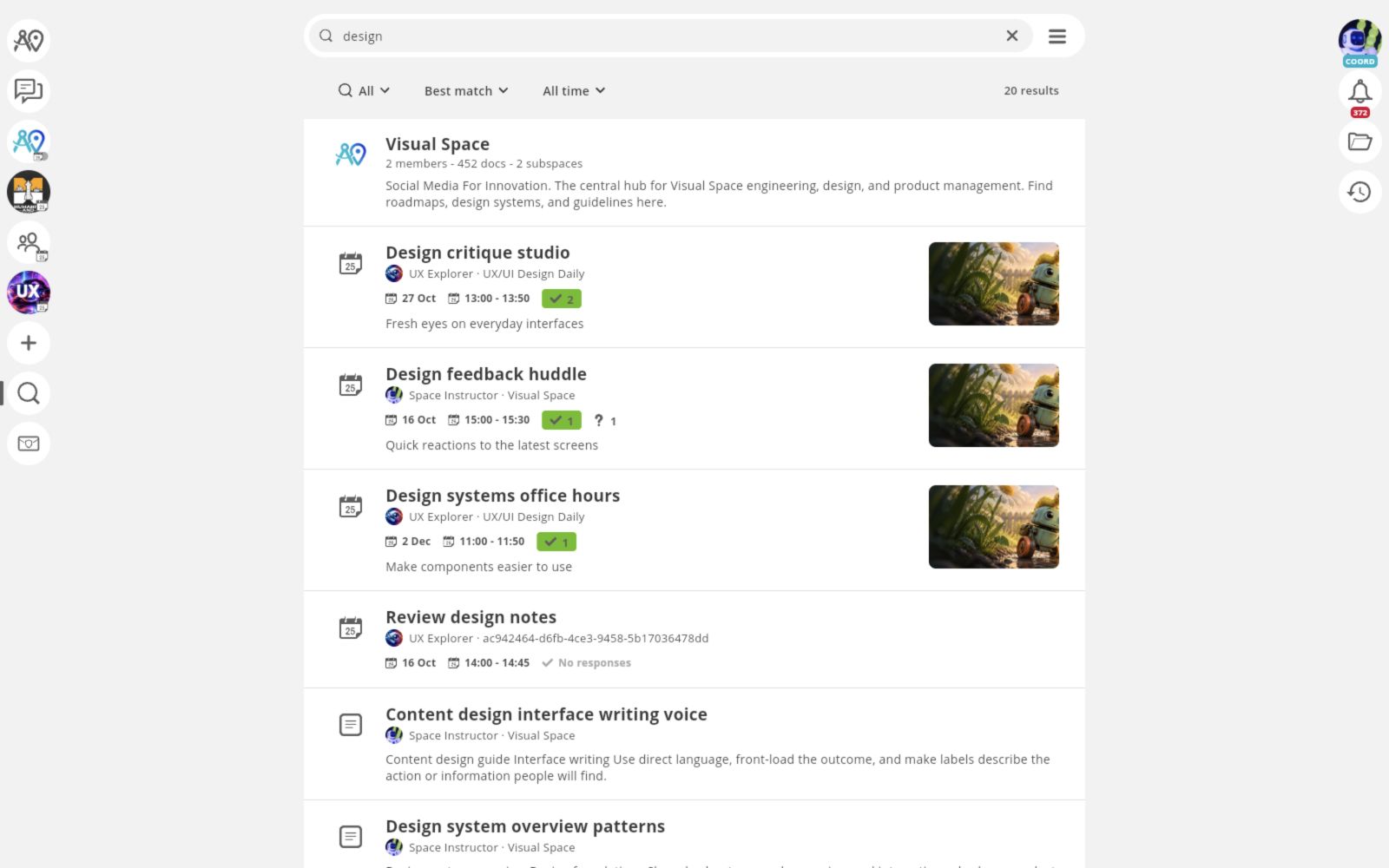
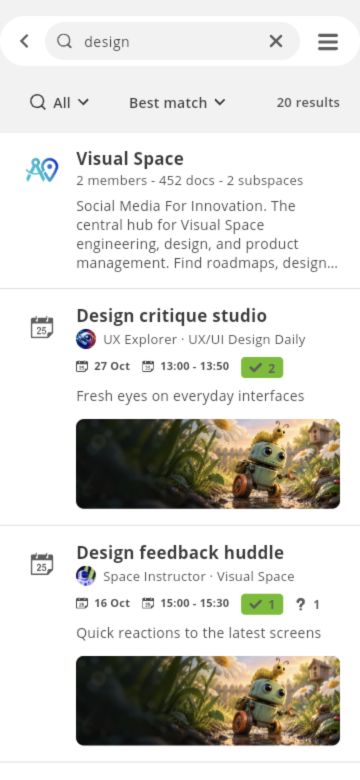
You remember the idea, but not where someone shared it. Start with All to find posts, goals, events, documents, messages, people and spaces together. The same query can uncover a discussion, the material it references and the community behind it.
Query filters and result types
Refine the search as you recognize what you need. The query and controls stay close while you scroll, so narrowing the results does not mean starting over.
-
Search terms
Results update after you pause typing. Use a distinctive name or phrase, or press Enter to submit immediately.
-
Content type
Focus on Articles, Goals, Events, Docs, Messages, People or Spaces. Return to All whenever the clue could belong to several kinds of work.
-
Additional filters
Try Newest for a recent update, Popular for established content, or a time range when you have a date clue. Best match and All time provide a broad starting point.
File names, locations and previews
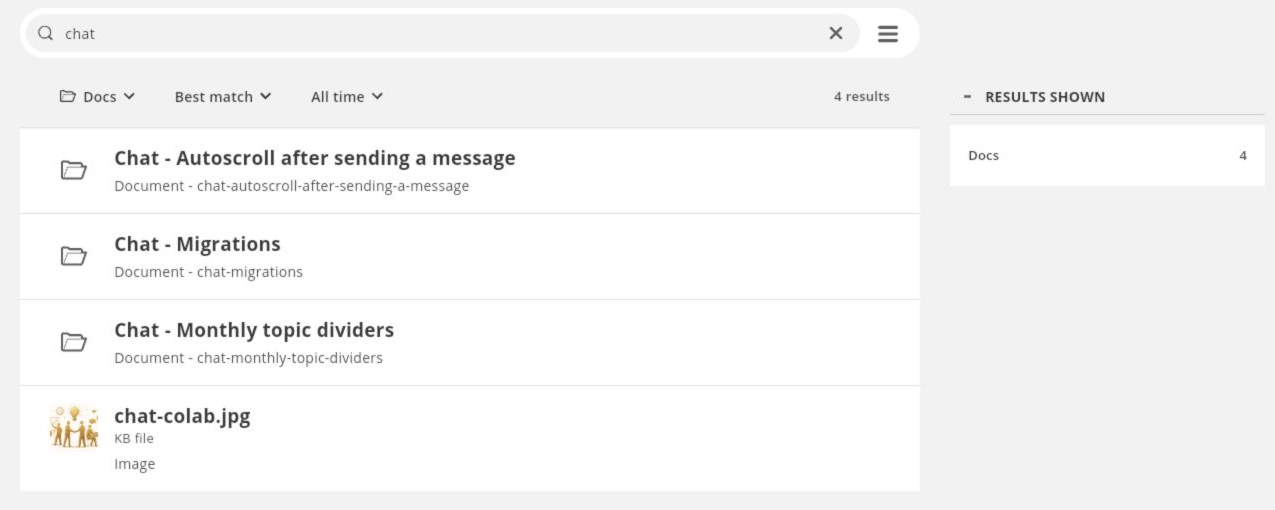
Docs brings files, folders and native documents into the same search. Look for a title, filename or location detail, then compare names and image previews before opening the right item in Documents.
-
Filename and location
Find a document from its title or folder context. A fragment such as rome can also find a filename like map-of-rome.jpg.
-
Image previews
When multiple media matches are available, Show more media opens a file-only grid. Choose Docs again to return to folders and native documents.
Open results in their original context
Open a message in its conversation, a goal in its working area, or a file in Documents. Result details help you distinguish similar names before you open them. Return to the same search and your query, filters and loaded results remain available in the current app session.
Space-scoped and broader searches
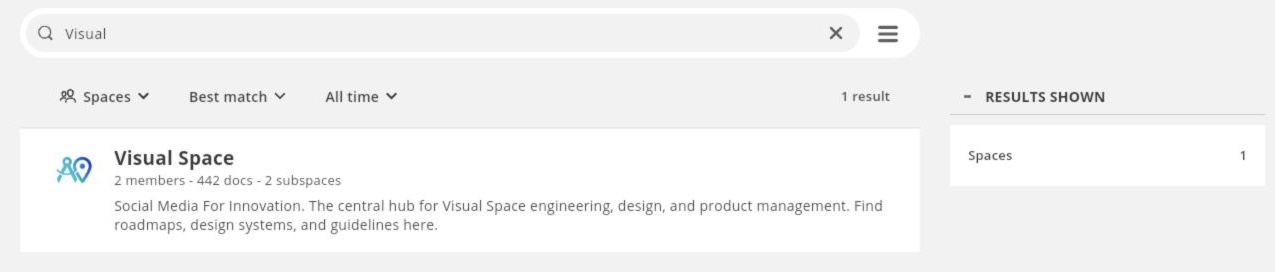
Open Search inside a space to concentrate on that community’s work. Its avatar in the query makes the scope visible. Clear the space bubble to broaden your search, discover public communities and look across the content and conversations available to you.
Search manual
Read the guides and step-by-step tutorials for more detail.
Browse the full manual →