Wiki
A Wiki built from published articles
Bring your space’s guides, decisions and reference articles into one curated collection. Wiki connects the knowledge worth keeping to the people and work it belongs to.
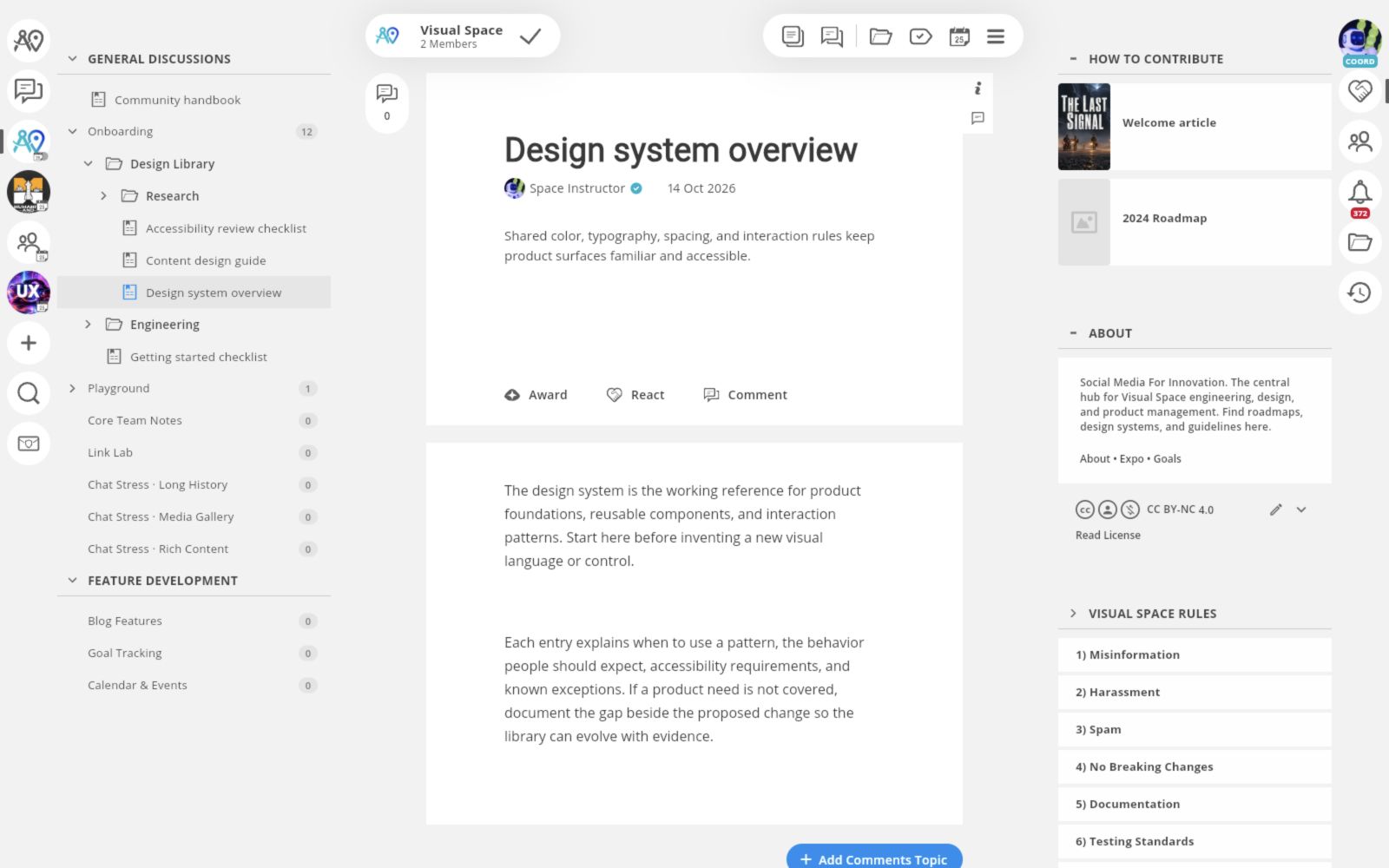
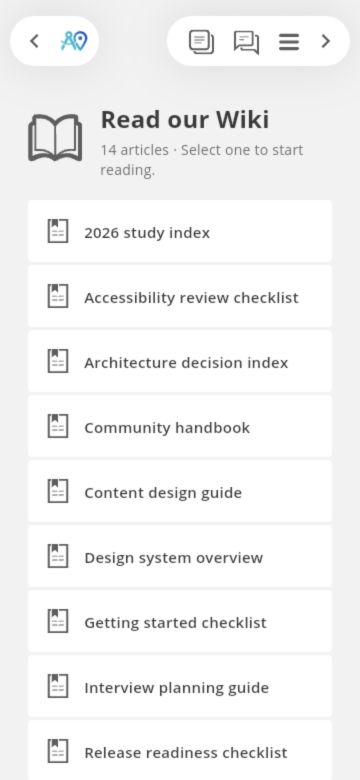
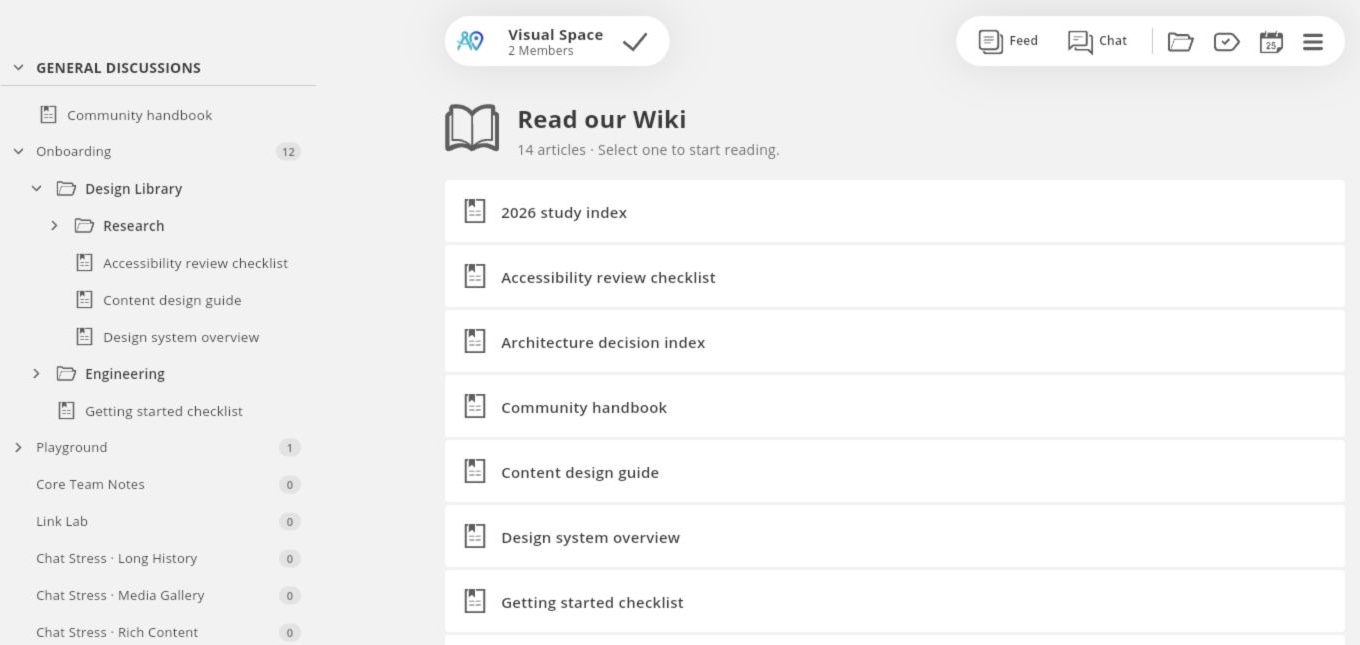
A curated collection of guides
A busy space produces more than anyone needs to read at once. Wiki gives lasting guidance its own reading destination, selected from published articles by the space’s content managers. Pick a title from the alphabetical collection or explore the tree for its wider context.
Add existing articles to the Wiki
Your Wiki page is the published article itself, with its original body and author context. Bring useful work into the collection without copying it into another editor or maintaining a second version.
-
Publish an article
Create the guide or explanation through the normal article workflow.
-
Add it to Wiki
A space owner or content manager selects Add to Wiki from the article or Documents menu.
-
Browse the collection
Readers open the same published article through the space’s knowledge tree.
A tree based on document locations
A guide can live beside an activity’s files, inside a team’s folder, or at the space root. Wiki brings those selected articles together while following their Documents locations. Organize the source library once; the knowledge tree follows its moves and renames when it reloads.
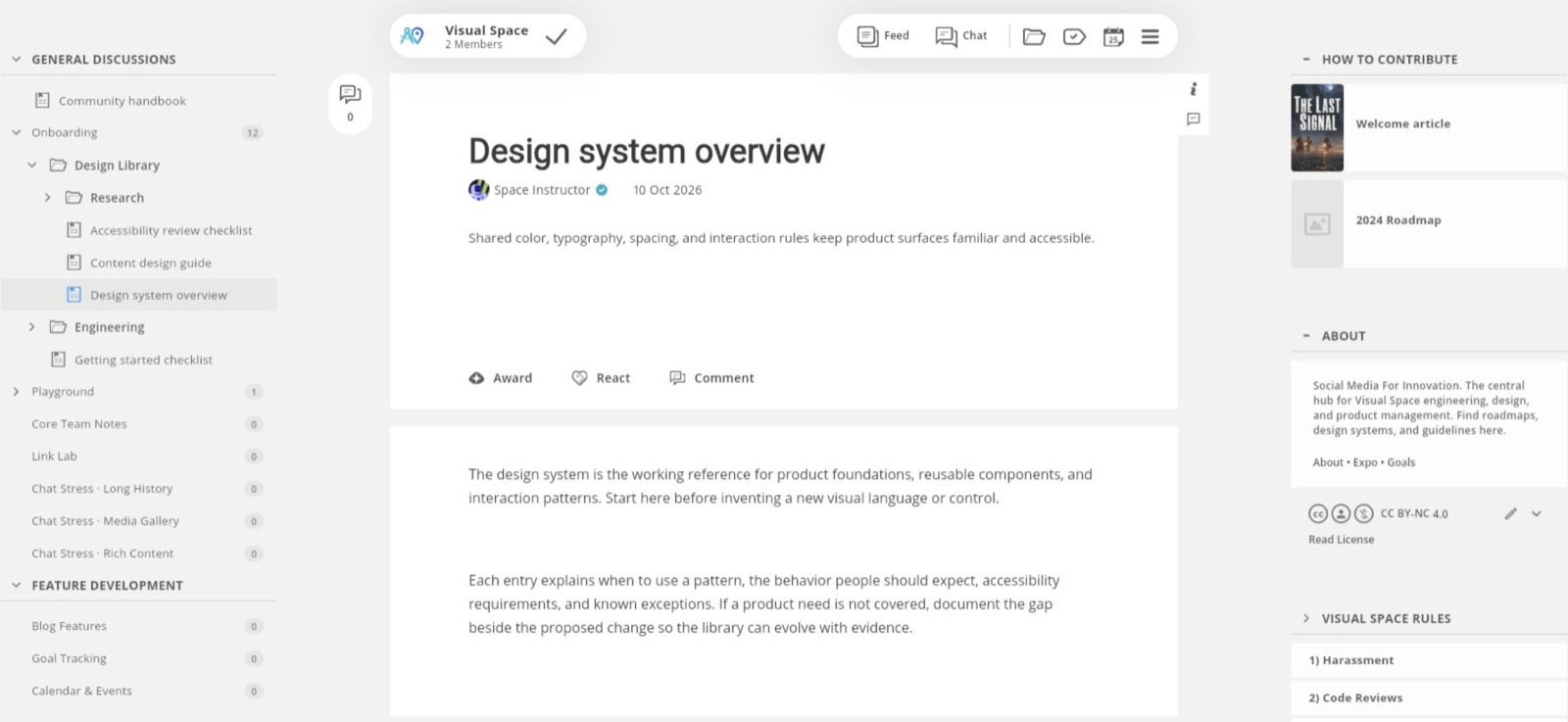
Article reading with Wiki navigation
The familiar article reader sits beside the Wiki tree, so you can move between related guides without losing the collection. The space’s About panel keeps community context nearby. On mobile, the same tree opens in the navigation panel and closes after you choose a page, giving the article room to breathe.
Independent Wiki and Expo curation
Collect practical knowledge in Wiki and showcase notable work in Expo. Each serves a different reading journey, and an article can belong to either collection, both, or neither.

-
Add and remove entries
Removing an article from Wiki leaves its publication, Documents location and independent Expo placement in place.
-
Source access rules
Readers see the Wiki pages they can access. Curation preserves the source area’s access rules.
Wiki manual
Read the guides and step-by-step tutorials for more detail.
Browse the full manual →