Events
Community calendars and events
Plan the occasion, explain why it matters and see who expects to join. Events connects your community’s schedule to the people and conversations around it.
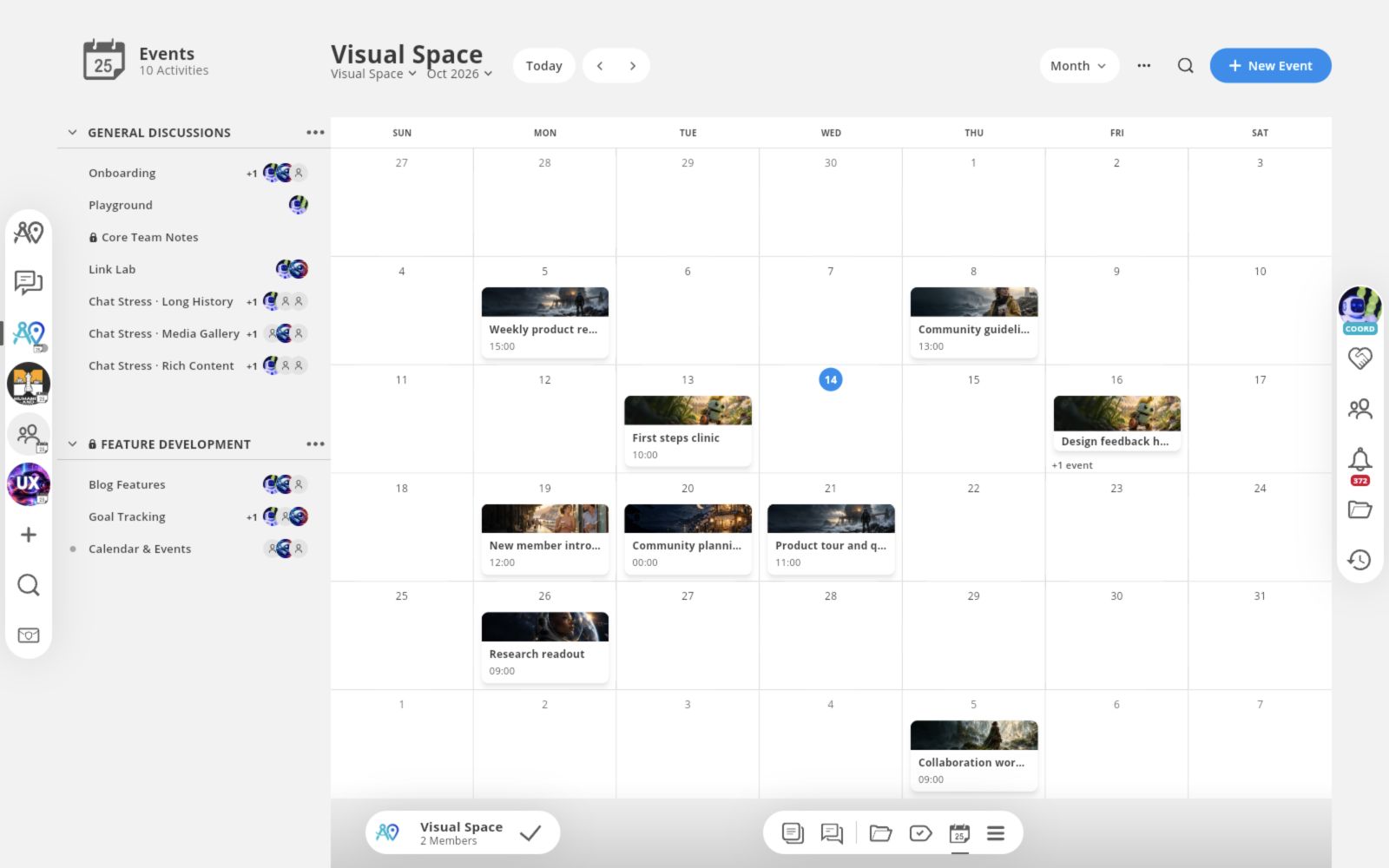
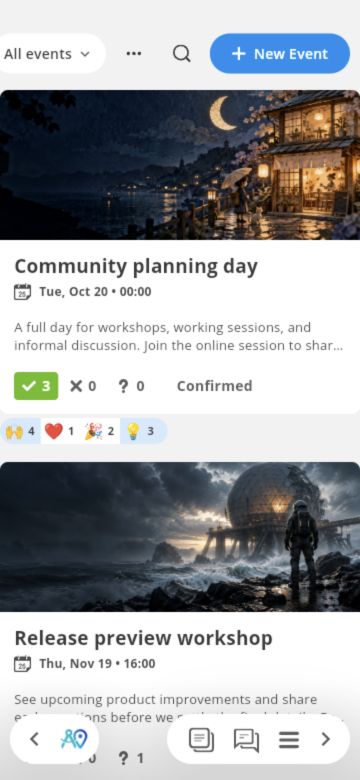
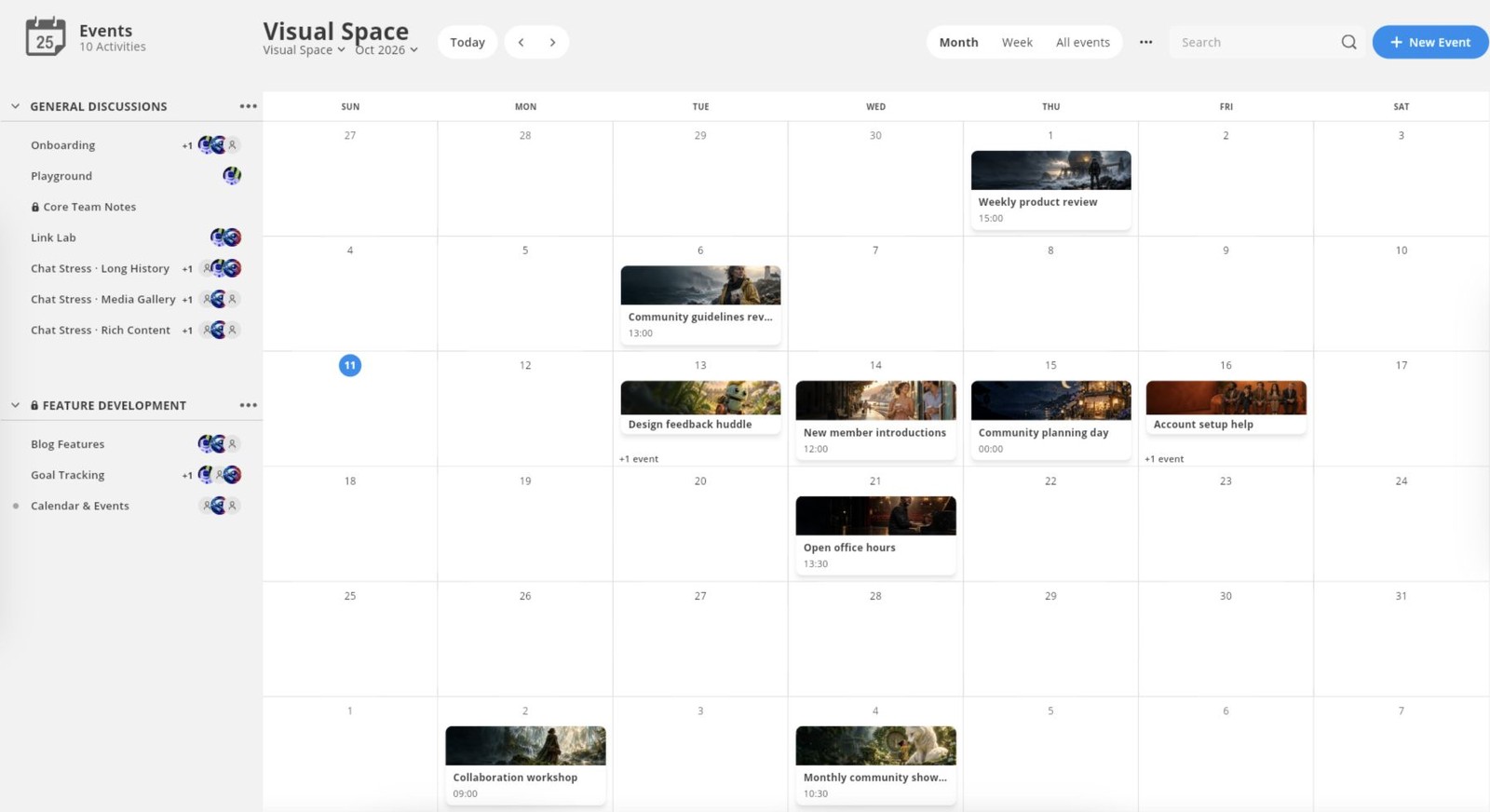
Month and week calendars
Month shows how occasions fit across the coming weeks. Week puts them on an hourly grid, so gaps and overlaps are easier to judge. In your community calendar, permitted organizers can select a range to start a draft, then drag or resize a one-off event to adjust its schedule.
Event articles and discussion
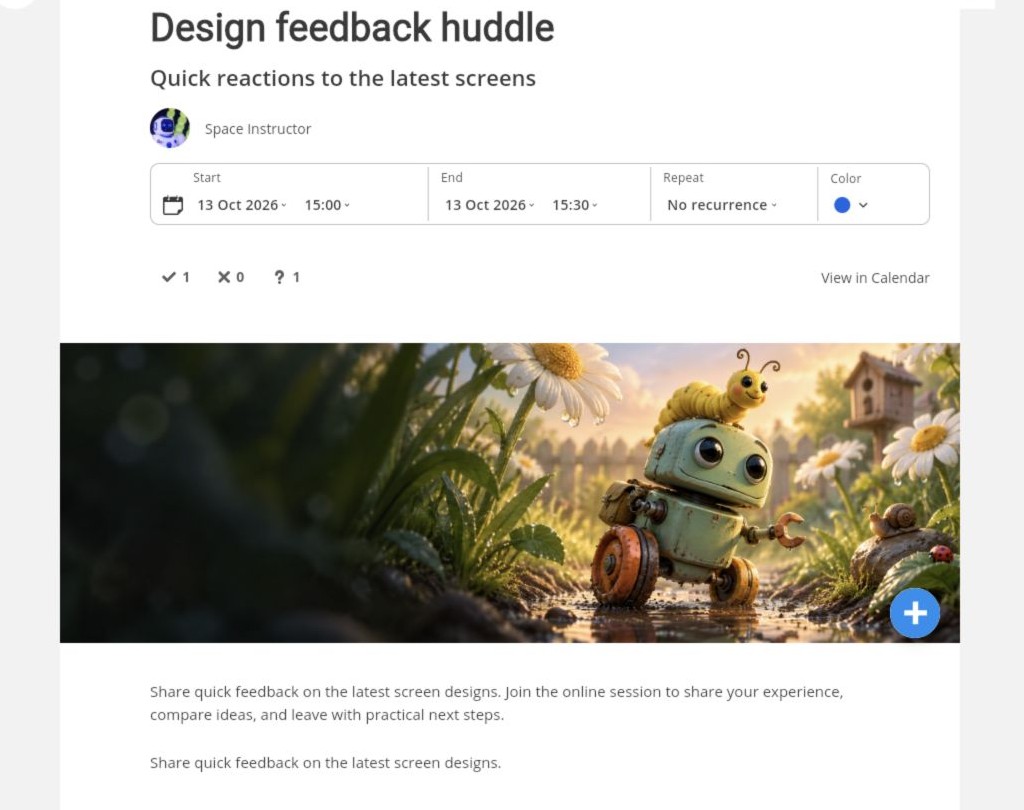
Every event has a linked article for the agenda, preparation, useful links and conversation. Open it beside the community calendar to read without losing the schedule, or follow View in Calendar from the article to see its place in the week.
-
Agenda and preparation
Give people the purpose, preparation and joining arrangements they need to decide.
-
Outcomes and follow-up
Keep the completed event and add outcomes, references and follow-up where everyone can find them.
Attendance responses
Members with access can respond directly from an event card or article. One current answer per person keeps attendance totals useful, and changing plans replaces the earlier response.
-
Confirmed
Let the organizer know you expect to join.
-
Tentative
Show interest while your availability is still unsettled.
-
Declined
Give a clear answer when you cannot attend.
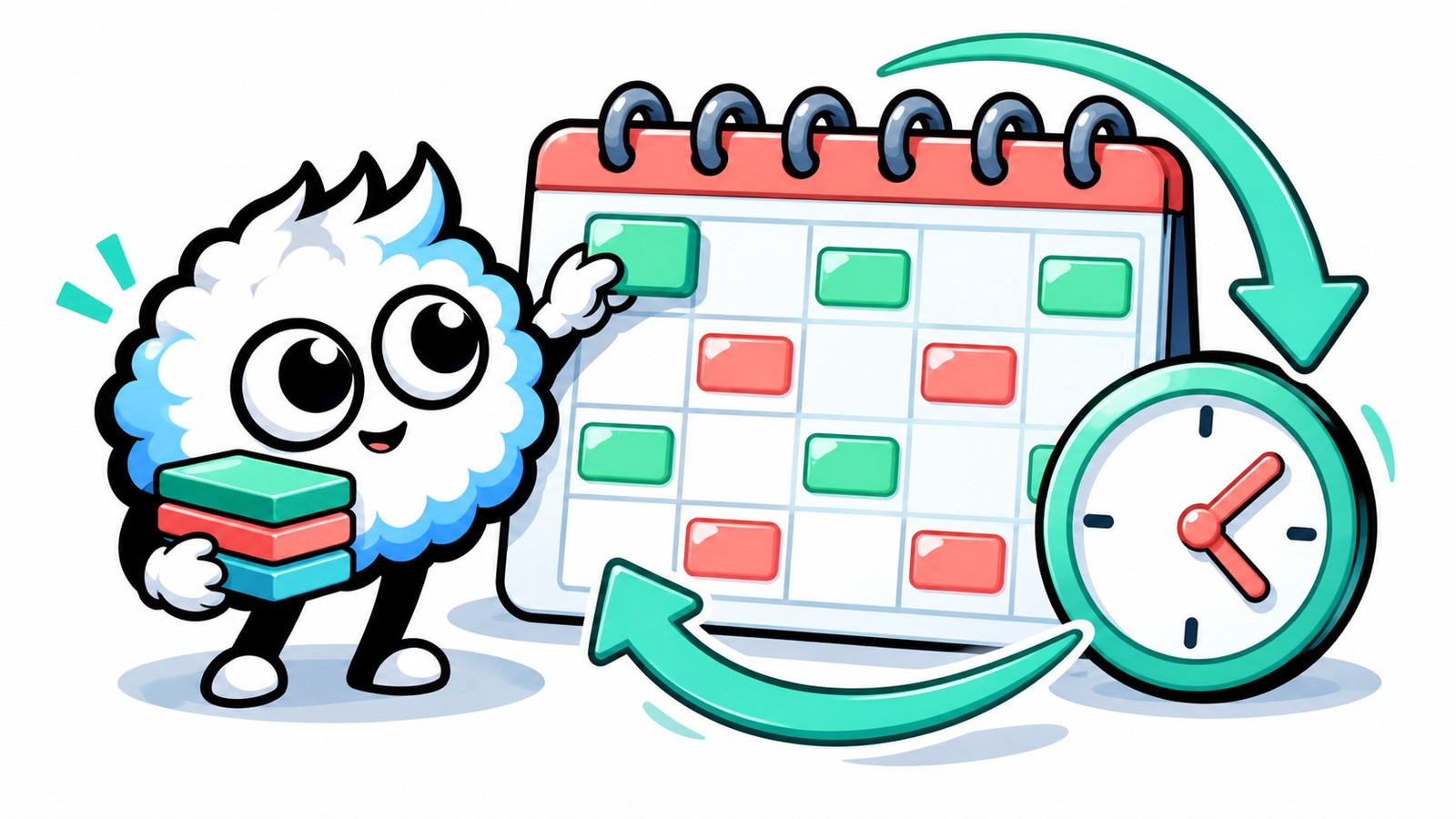
Daily, weekly and monthly repeats
Set a daily, weekly or monthly repeat for an ongoing gathering. Calendar occurrences share the same event article and attendance responses, so a series keeps one place for its context. Use separate events when individual sessions need their own agenda or guest responses.
Public discovery and local calendars
Public Events helps people discover published occasions across public communities. Your own space, subspace or activity keeps its schedule close to members, with private-area access respected. Save an invitation with View Later, then return to its article when you are ready to respond.
Events manual
Read the guides and step-by-step tutorials for more detail.
Browse the full manual →