Rankings
Community contributor rankings
Top Contributors connects community participation with the people behind it. Discover active contributors, read their introductions and continue into the work they share.

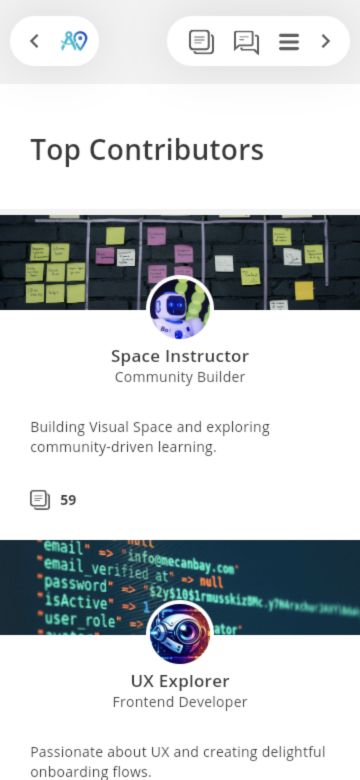
Space and Activity contributor lists
Every ranking belongs to a space or a supported area within it. Open Members from a community, subspace or activity to explore its contributors. Someone's position can change between areas, giving discovery a useful local context.
Contribution across several tools
Useful participation takes different forms. Rankings brings selected activity from connected Visual Space tools into one discovery list, rather than treating it as a counter for a single action.
-
Published contributions
Published posts and eligible documents, files and folders contribute to the picture.
-
Messages and discussion
Space discussions and document reactions add participation beyond publishing alone.
-
Shared participation
Starting or joining meetings provides another way to participate in a community.
Featured contributors and profiles
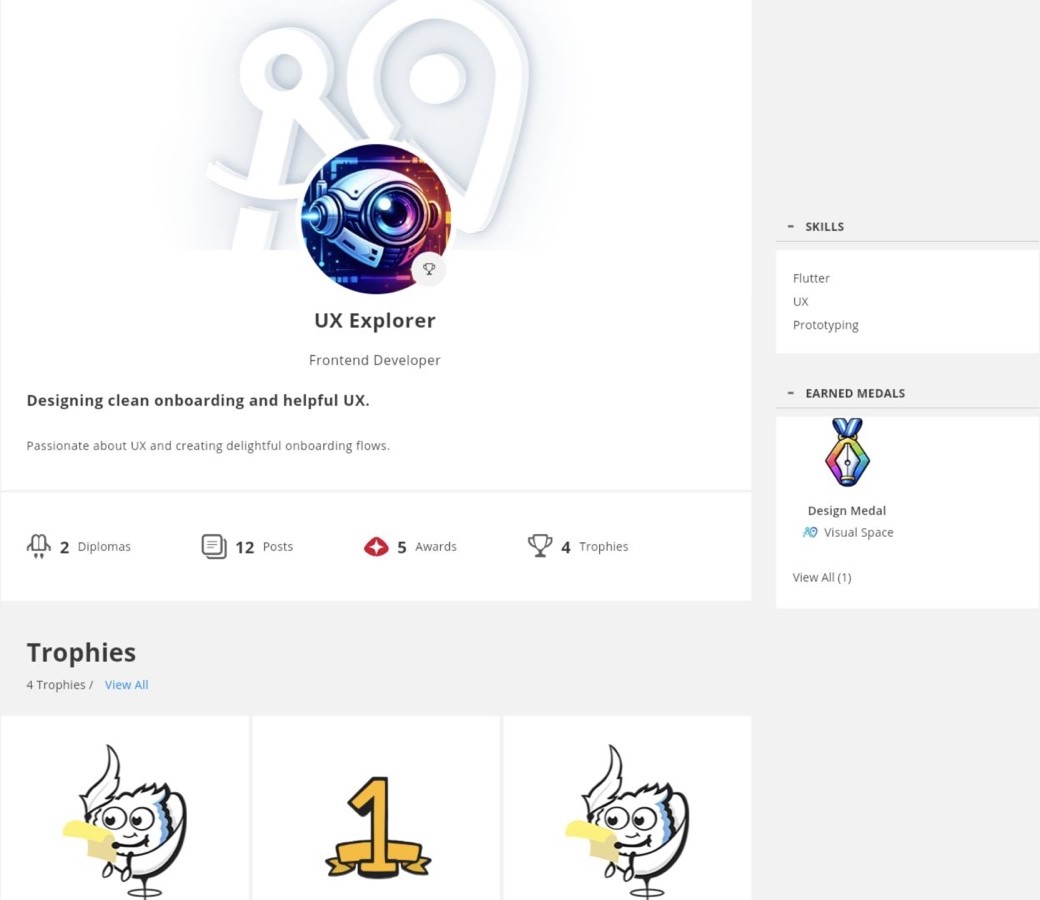
The first three contributors receive larger cards with room for their biography, job title or contribution reason and available profile statistics. Open a featured card or a contributor's avatar to explore their profile, skills and published work.
-
Contributor list
Compact introductions continue beneath the featured cards when more contributors are available.
-
Profile links
The connected profile lets you explore the person's available publications in their own formats.
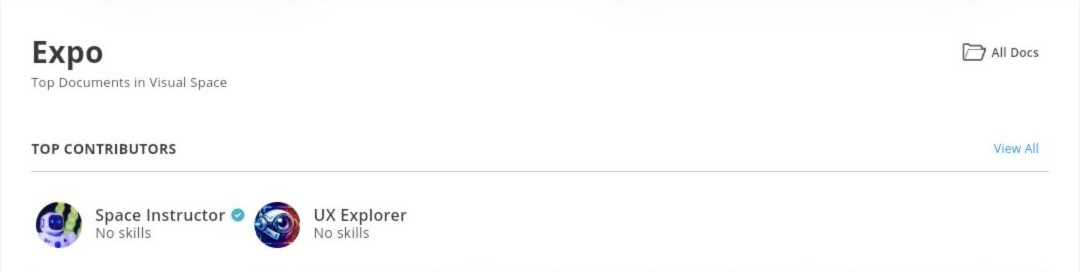
Contributors in About and Expo
Expo can introduce contributors alongside the community's document showcase. Choose View All from an Expo or About contributor preview to reach the whole-space list, then continue into the profiles that interest you.
Ranking context and update timing
Use Rankings as a starting point for finding collaborators, then let their work and your own experience provide the fuller picture. Selected participation cannot capture every kind of help, expertise or effort. The list updates over time, so recent work may take a while to appear.
Rankings manual
Read the guides and step-by-step tutorials for more detail.
Browse the full manual →