Retrospectives
Team retrospective boards
Reflect on a sprint, release or project with a shared three-column board. Gather clear observations, discuss them together and keep the decisions close to the work.
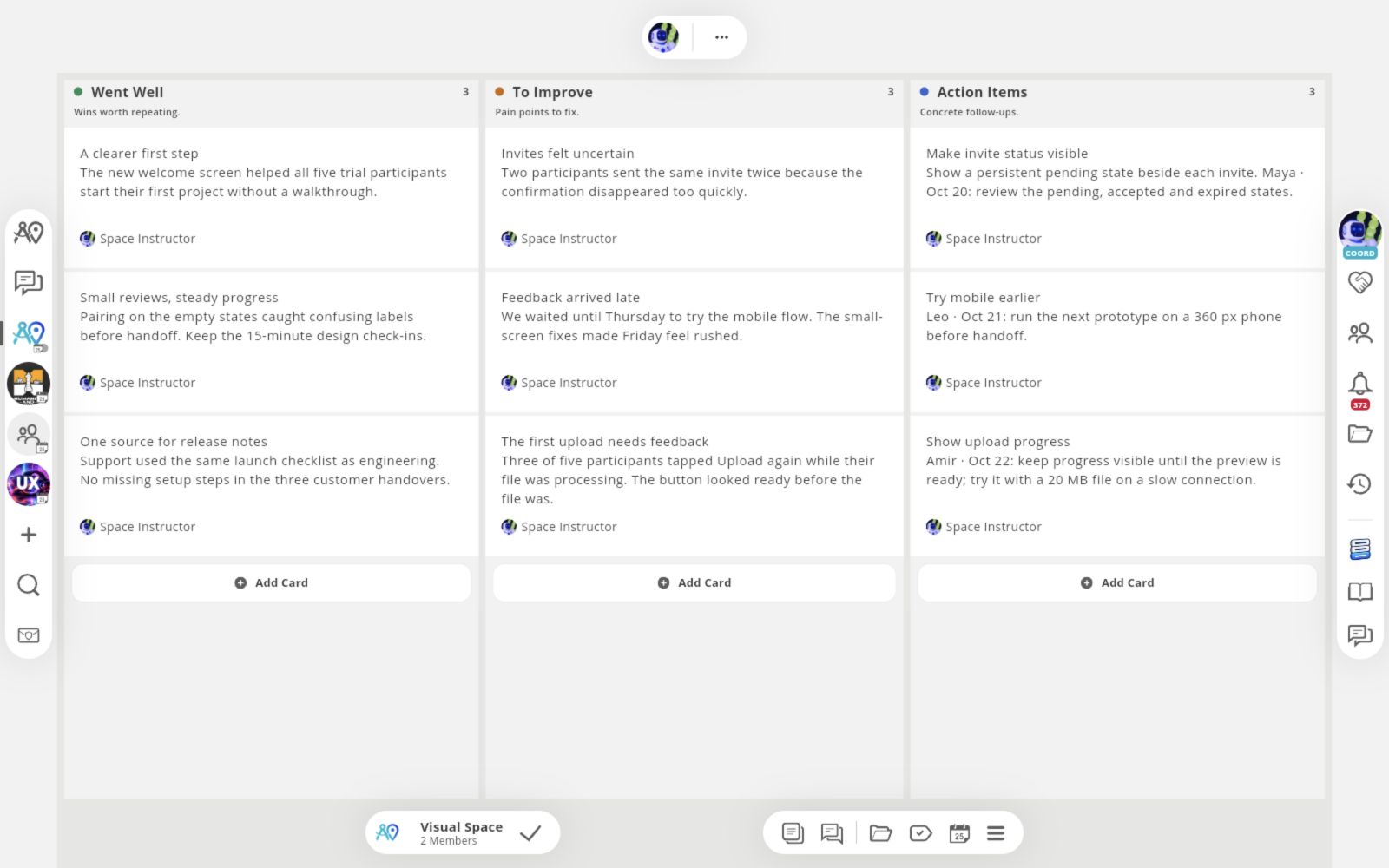

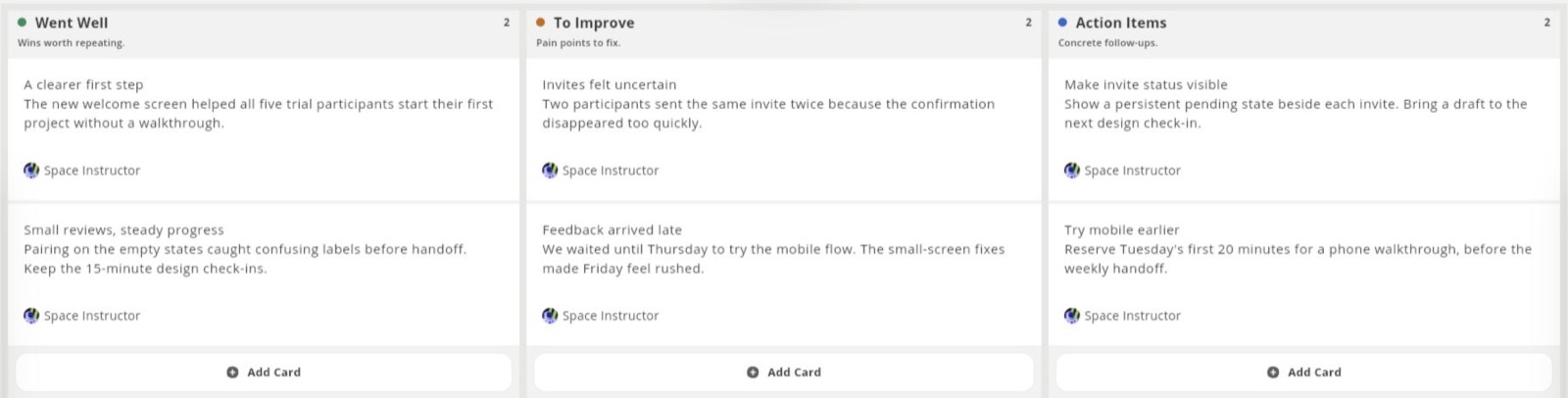
Went Well, To Improve and Action Items
Went Well, To Improve and Action Items give everyone the same starting point. Capture one observation per card, then connect what happened with what the team wants to change. Each column shows its contributions at a glance.
Live editing and attributed cards
Cards retain their authors, and each author controls their wording and column placement. Changes synchronize while people type, so the group can work through a point as it develops.
-
Attributed observations
Add a specific observation and refine your own card as the conversation develops.
-
Synchronized edits
Current viewers, pointers and text selections help everyone see where attention is focused.
-
Reactions
React to a card and see who responded. Reactions support discussion; the team agrees on the actions.
Retrospectives in activity meetings
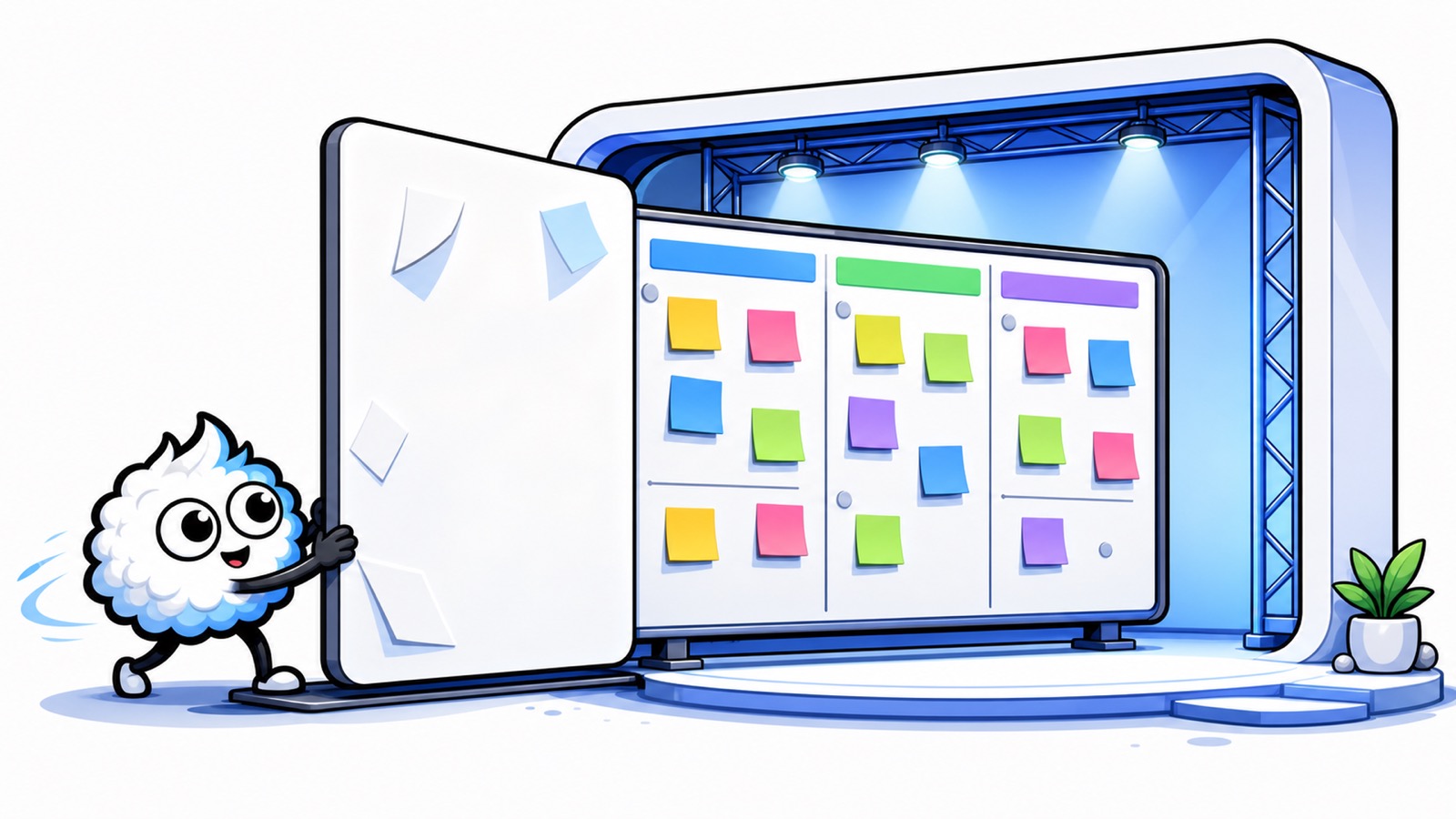
Open Retrospectives through Live Apps in an activity meeting. Choose an existing board or create one in that activity, then discuss its cards on the shared stage. Saved contributions stay with the board after the call.
-
Shared meeting stage
Participants with access to the board’s area can contribute in the meeting workspace.
-
Saved board
Reopen the same retrospective later to revisit the conversation and its saved decisions.
Linked articles and follow-up comments
Each retrospective has a linked Article and Comments. Keep the agenda, evidence or a fuller summary in the Article; use Comments for follow-up questions. Desktop panels bring that context beside the board, and the Article begins as a draft you can publish separately.
Saved boards and follow-up goals
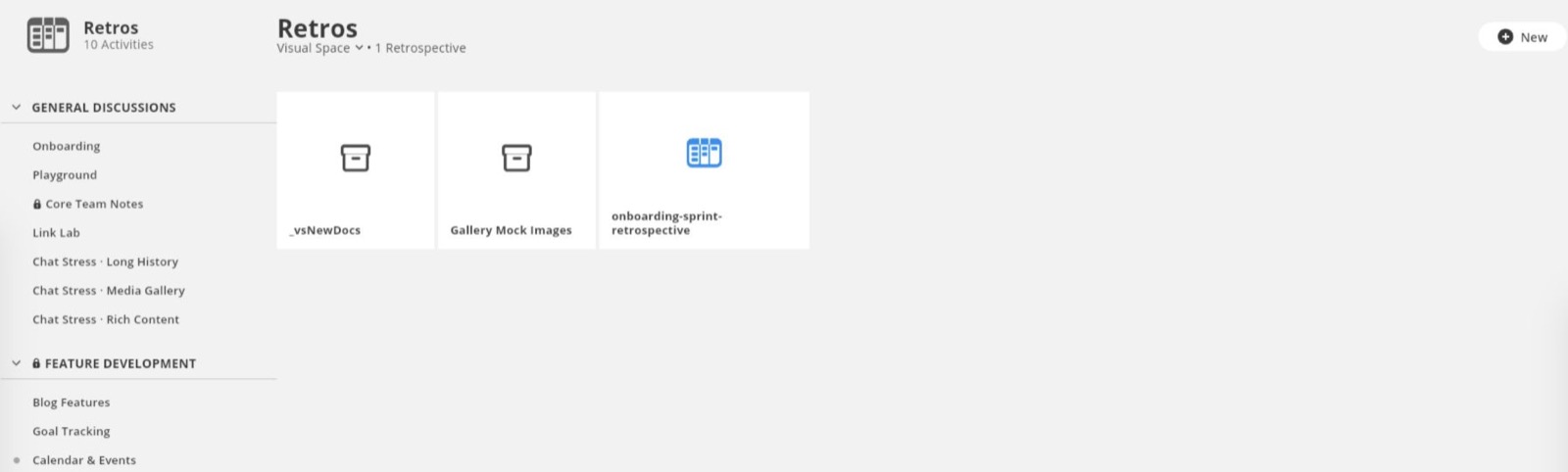
Create and reopen boards from Retros or Documents in their owning space area. Saved cards remain available after the session. When a commitment needs assignment or ongoing tracking, create the corresponding work in Goals and use the retrospective as the shared context.
Retrospectives manual
Read the guides and step-by-step tutorials for more detail.
Browse the full manual →