Select
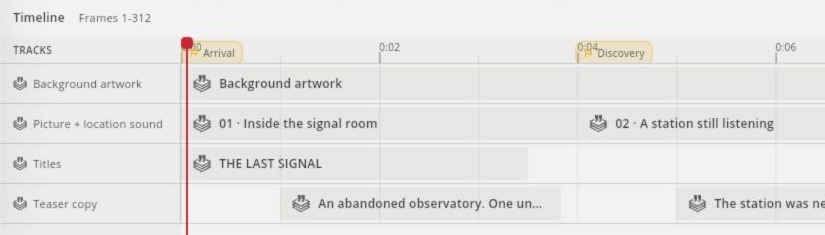
Select timeline clips to move them or inspect their timing and properties. The development timeline separates picture, sound and text into tracks.
FramesSOON
Frames is our forthcoming video editor for demos, tutorials, announcements, and project updates. Explore the developing workspace below. Frames is Coming Soon and cannot currently be launched or purchased.
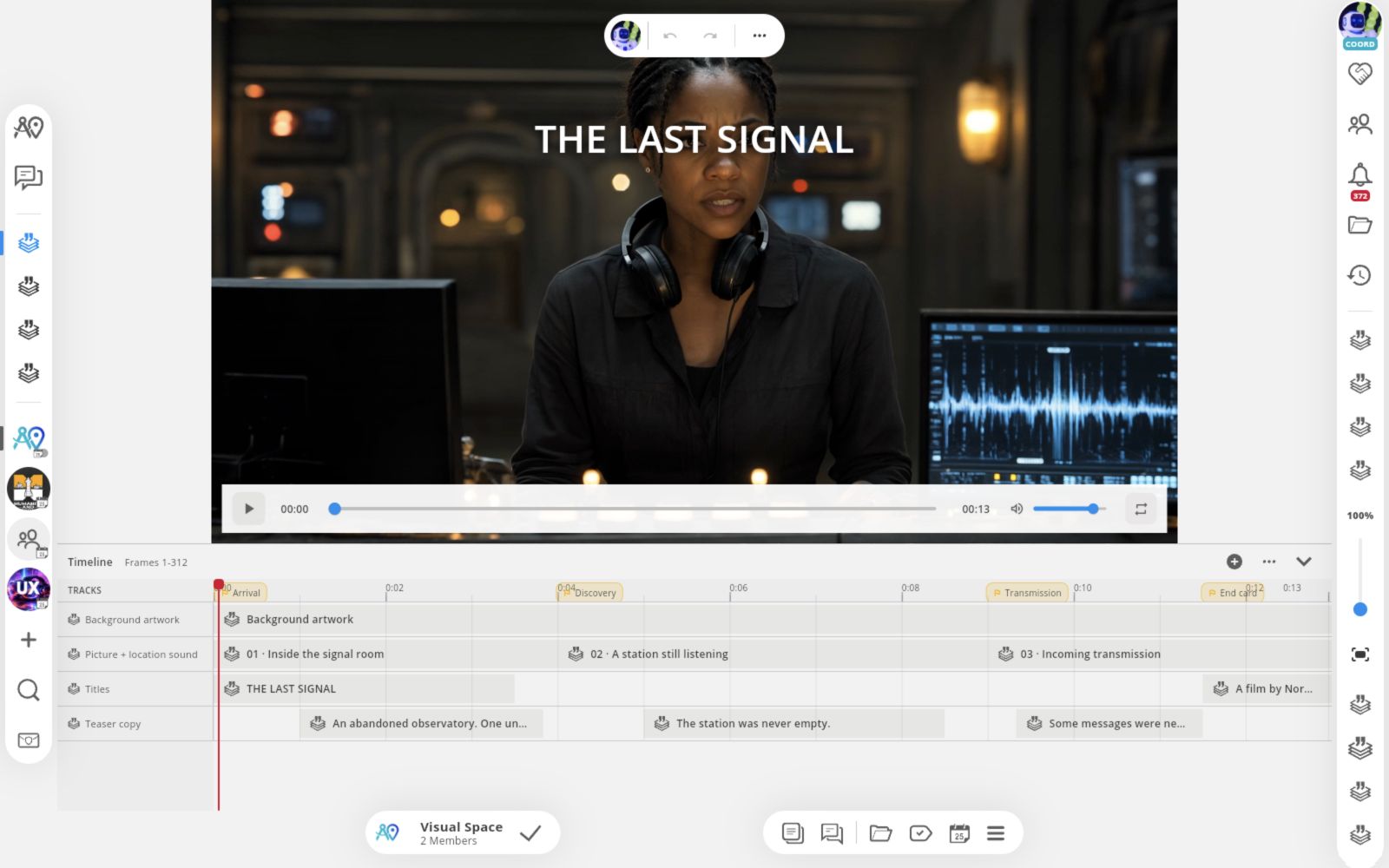

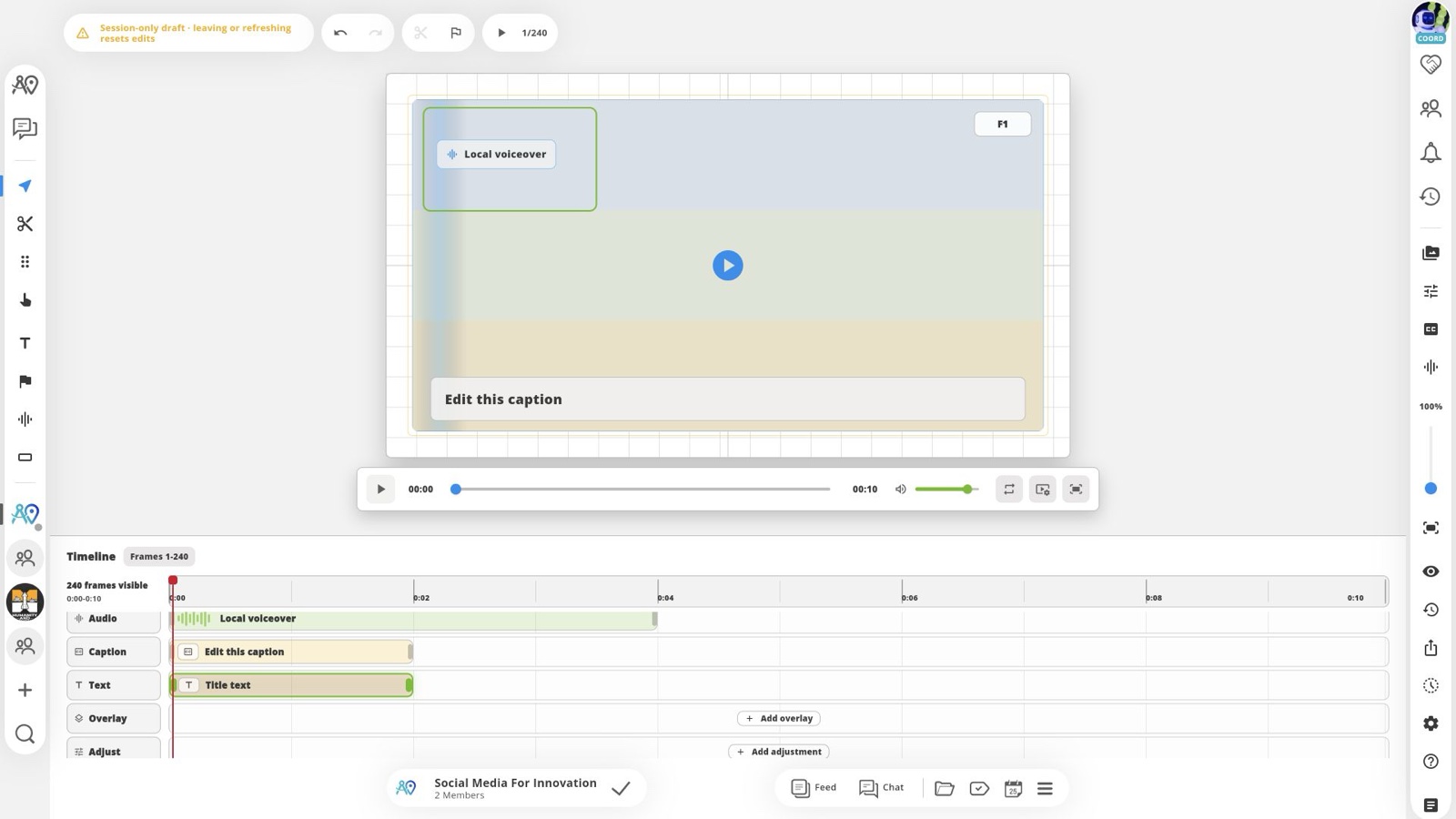
The developing editor puts picture, audio, captions, and titles on separate timeline tracks. Its direction is straightforward story assembly: arrange the moments, refine their timing, and keep the pieces easy to find. This preview shows the local editing workspace.
Frames is planned around everyday videos made by a community, rather than a screen full of advanced finishing controls. The intended flow keeps each next step clear.
Start with a demo, tutorial, announcement, or project update and gather the material it needs.
Arrange the moments, then refine the timing with selection, split, trim, and move tools.
Add captions, titles, and audio before moving into review and a finished output.
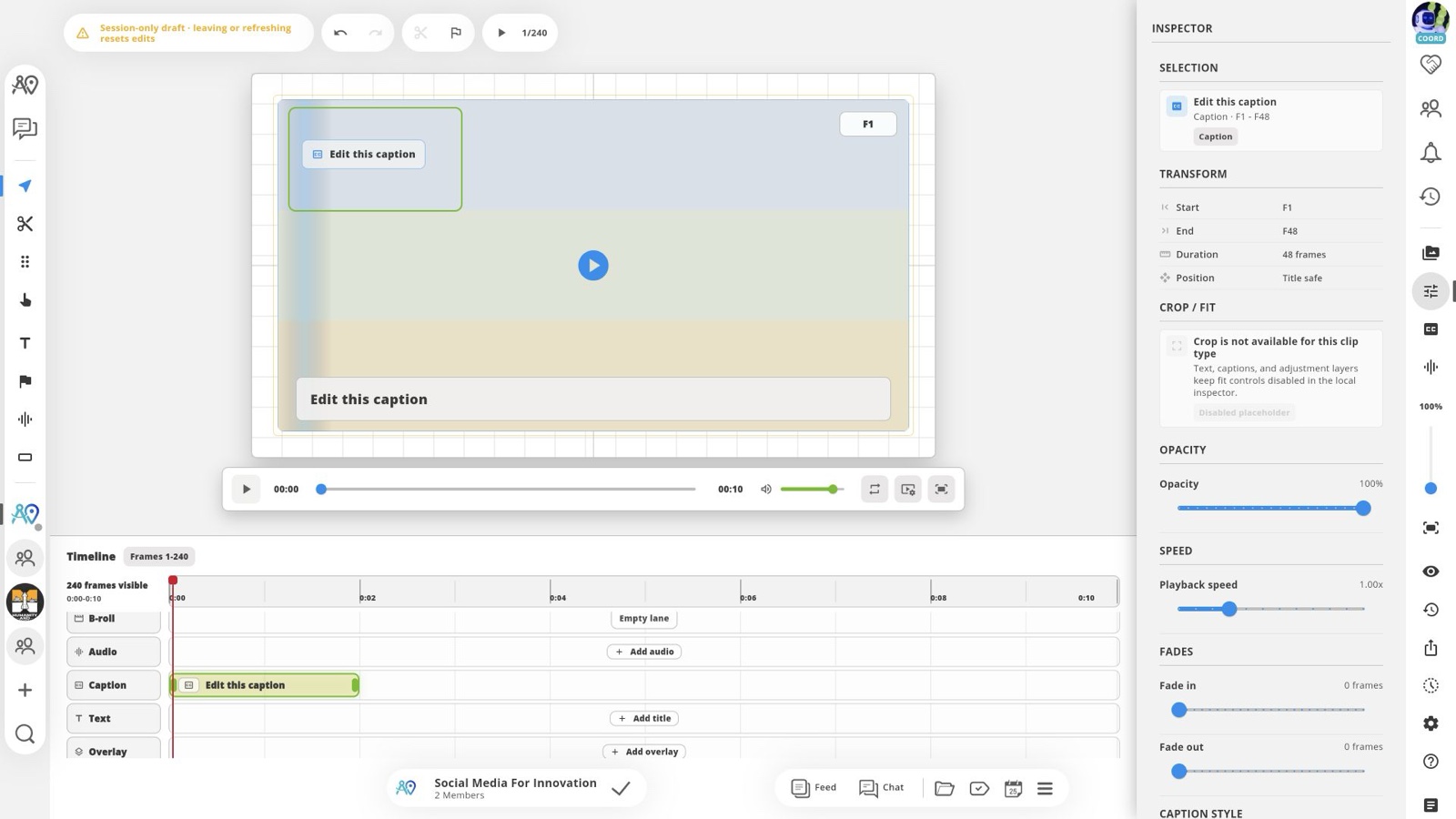
Captions and text are part of the Frames direction from the beginning. The developing workspace gives them their own tracks and focused controls, so the words can be revised alongside the picture. The planned caption-aware workflow keeps the message central to the edit.
The planned review flow brings timestamp comments, frame annotations, and review status into the project. A note about a particular moment should lead back to that moment. Shared review and live timeline collaboration remain planned; this is the direction beyond the local development workspace.
Frames is being built around Visual Space project files, folders, and activities. The planned workflow connects a working video to meeting review and publishing into posts or articles, keeping the result near the people and work behind it. For videos you can share today, explore Videos.
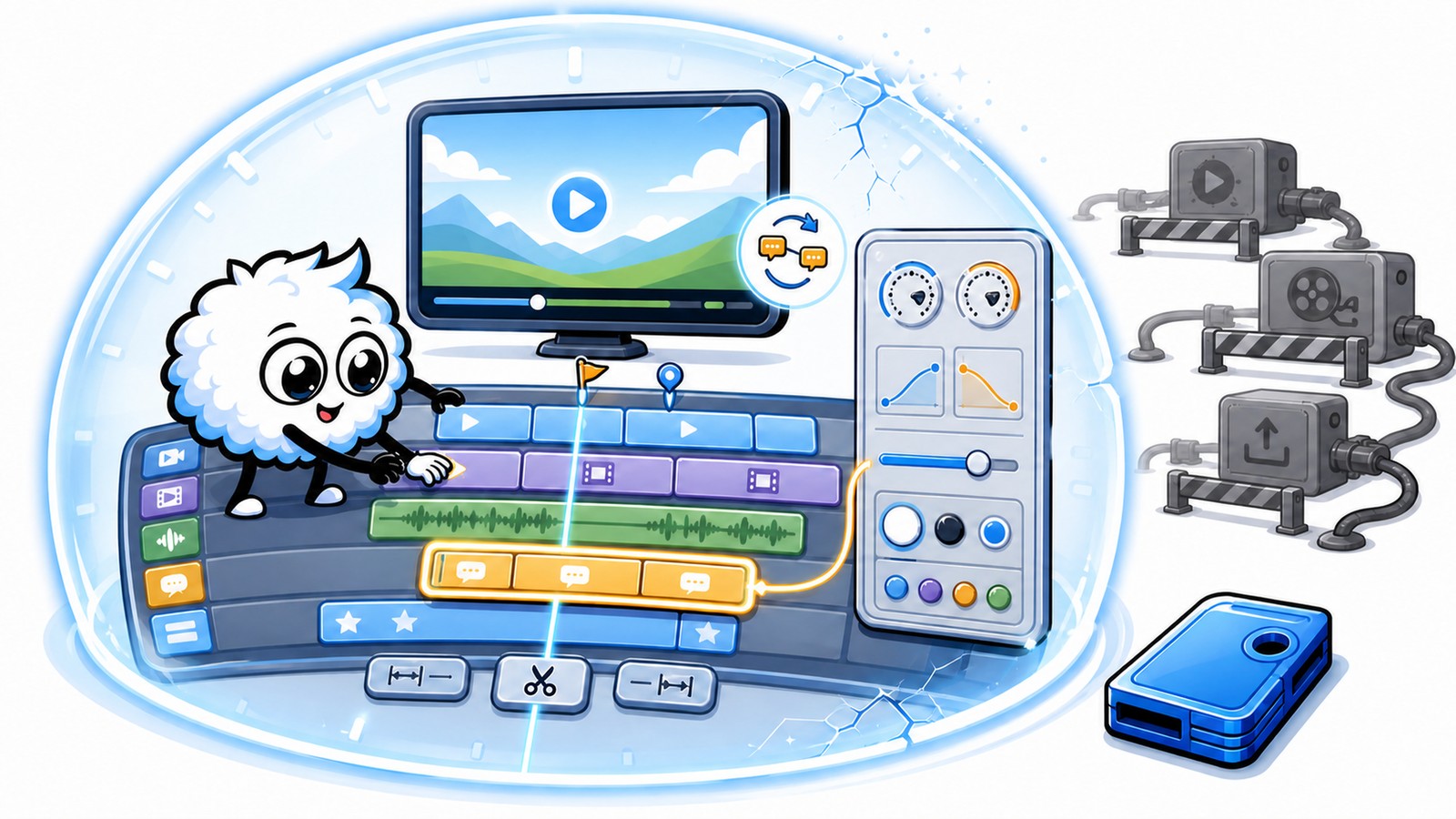
Tools in the development editor. Frames remains Coming Soon. Timeline edits, media references and review notes currently remain in the local session.
Select timeline clips to move them or inspect their timing and properties. The development timeline separates picture, sound and text into tracks.
Choose Blade, then click a clip at the point where it should split. Selecting the tool alone does not cut the previously focused clip.
Adjust a clip edge to change its start or end. The development timeline converts the completed drag into a frame-based edit.
Add a marker at the playhead to name a moment in the timeline. Markers and review notes currently belong to the local editing session.
Search and filter the local sample media library, select a reference and add it to the timeline. Real media picking and upload remain future work.
Inspect a selected clip and adjust applicable timing, fit, opacity, speed, fades or audio values in the local draft.
Edit local caption text, speaker labels, placement and text styling. Automatic transcription and parser-backed caption import are not connected yet.
Adjust track mute, clip volume, clip mute and fade lengths in the local timeline. Waveform analysis, ducking and enhancement remain unavailable.
Play, pause, scrub, loop and change preview volume while inspecting the current draft. Timeline zoom helps move between the whole sequence and individual edits.
Browse local timeline edits, undo or redo, and restore a listed step. Current history is session-only and does not provide recovery after reload.
Add local review notes at the playhead. Shared, persisted timestamp review is planned; other participants do not receive these notes yet.
Review project settings and the developing editor’s controls. Export and saved versions remain incomplete, so the preview should be treated as a local draft.



Read the guides and step-by-step tutorials for more detail.
Browse the full manual →