CFDSOON
Fluid-flow simulation
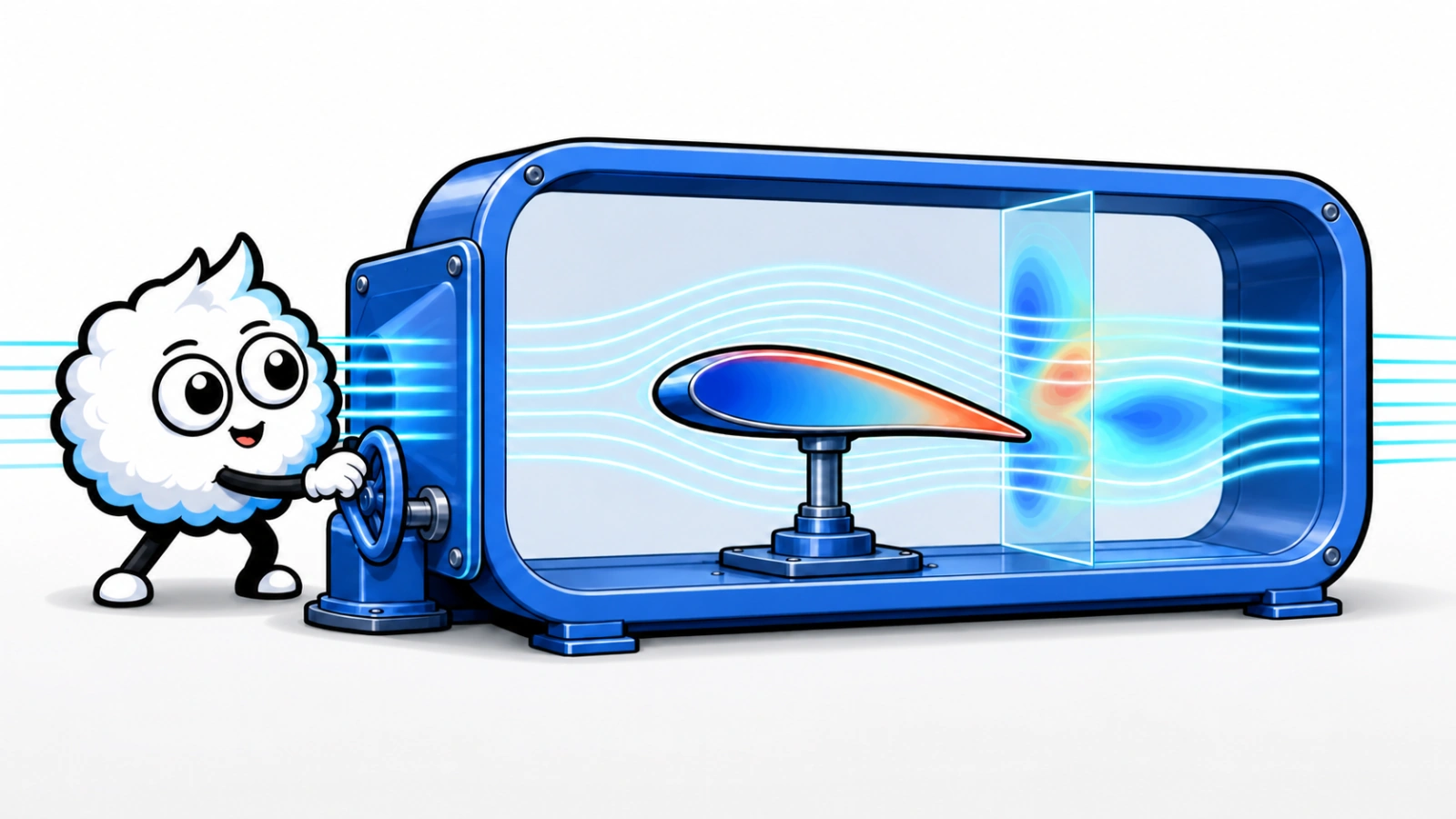
Flow is the planned Computational Fluid Dynamics app: a focused place to prepare fluid studies, explore pressure and velocity, and connect a result to the design behind it. Coming Soon; the artwork illustrates the direction.
Geometry and study versions
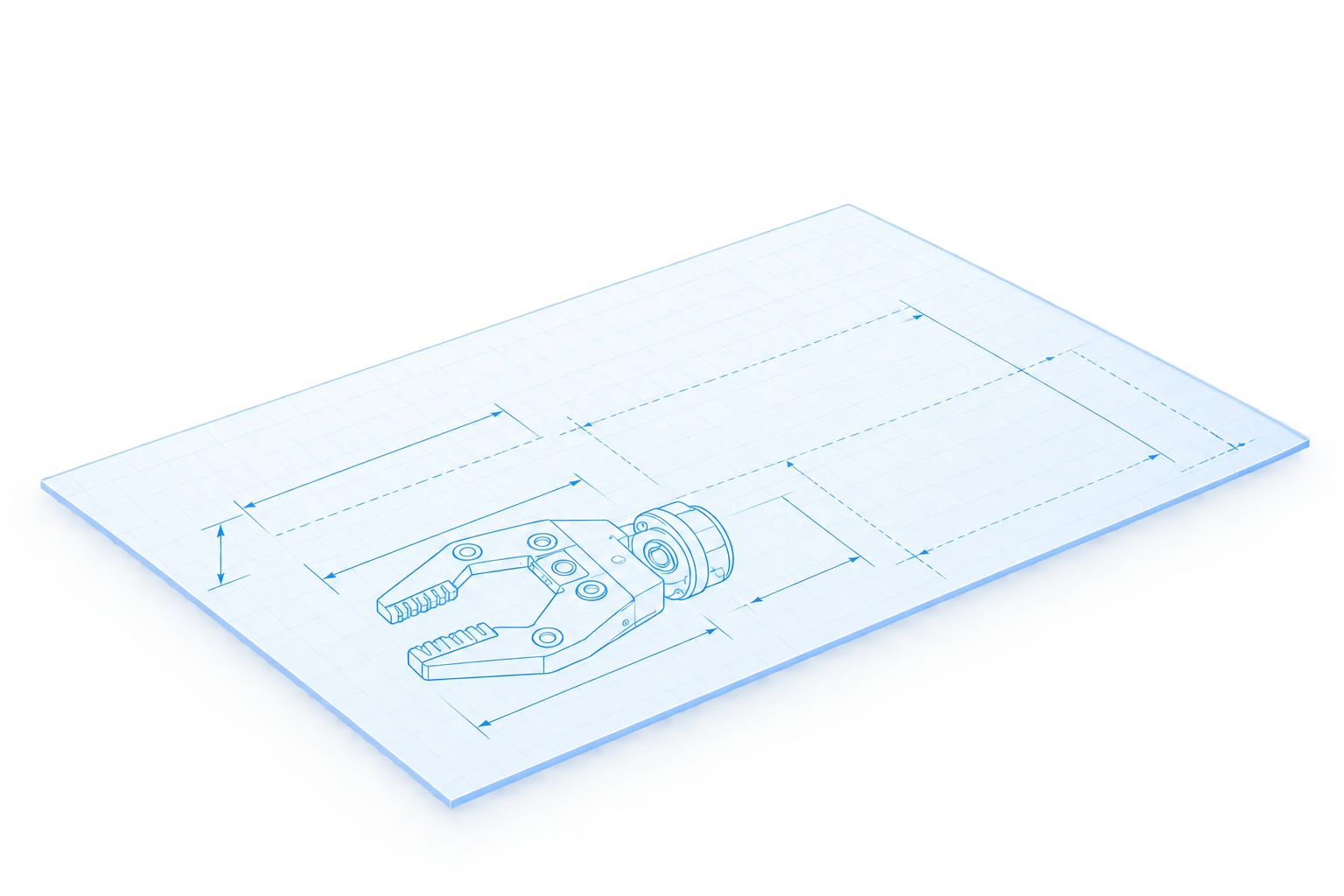
The planned Blueprints handoff pins a Flow study to a specific design revision. A later geometry change should make the study visibly outdated, with an explicit refresh to review before another run. That keeps a promising result connected to the shape it actually describes.
Simulation setup
Flow is planned as its own app, with a vocabulary and workspace dedicated to fluid studies. The setup follows the physical question you want to investigate.
-
Fluid domain
Prepare the volume inside a passage or around a part, then identify the regions that belong to the study.
-
Boundary conditions
Assign inlets, outlets, and walls using flow-specific controls and named selections.
-
Mesh preparation
Review the mesh and setup before solving, keeping preparation separate from the original design geometry.
Study size and compute options
The proposed workflow begins with bounded local previews for simple two-dimensional laminar-flow cases, then offers a path to external OpenFOAM computation when a study needs more. Geometry, regions, and boundary conditions stay with the study, while the solver and result scope remain visible. Both solve paths are planned.
Flow results and run status
Pressure, velocity, streamlines, and forces are the planned visual language for exploring a result. Residual histories, mesh information, and the stopping reason are intended to sit beside those views, helping you understand the calculation behind a colorful picture. The illustration shows this exploration direction.
Study files and discussion
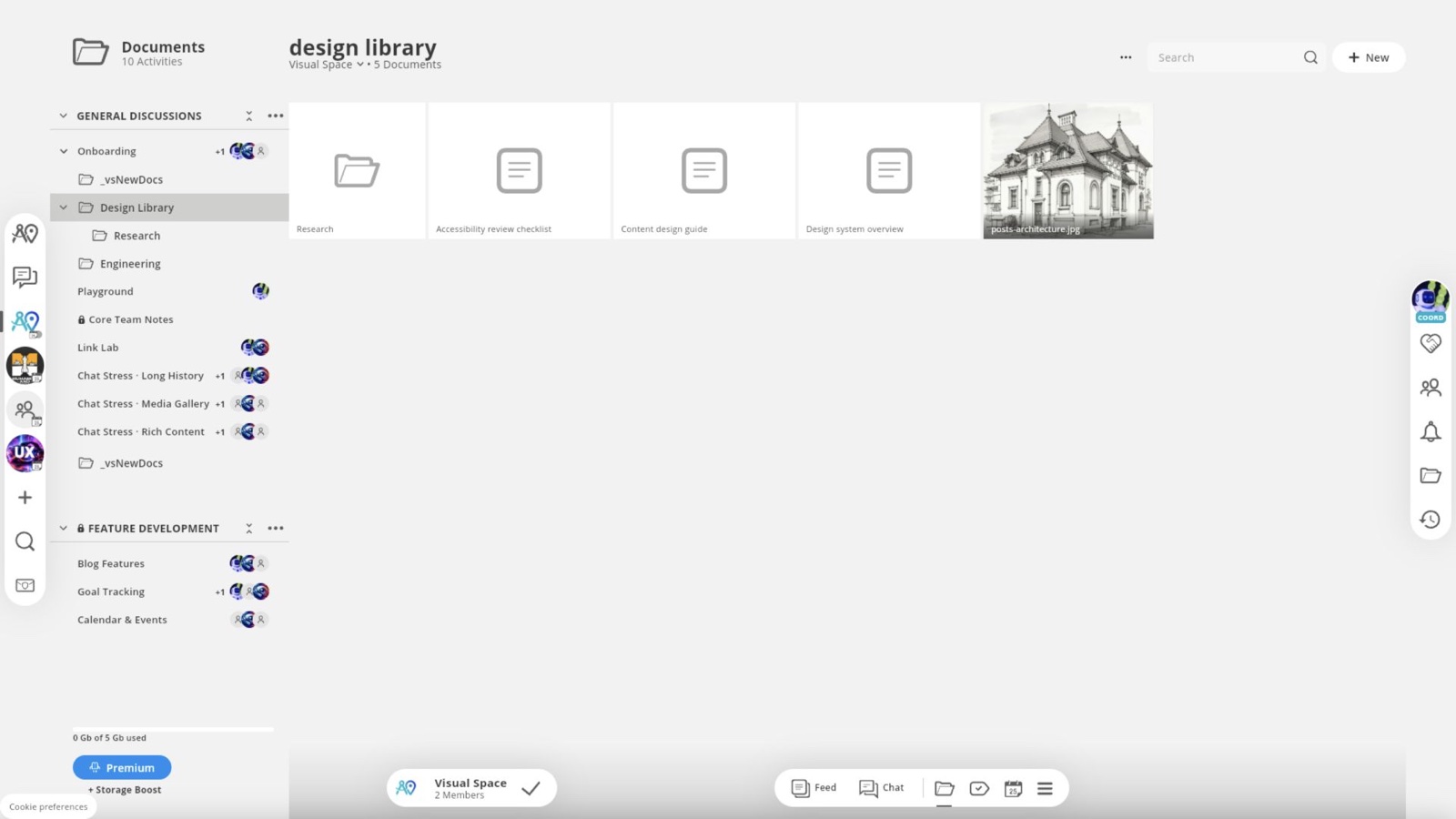
The planned Flow study keeps its geometry revision, setup, and solver provenance with each run, so a review can return to the work behind the result. You can already organize existing design files and reference material in Documents. The library shown here is available today; Flow studies remain forthcoming.
Related manual articles
A dedicated CFD manual is not published yet. These guides cover app access, shared documents and related workflows.
Browse the full manual →