AccountingSOON
Accounts, transactions and reconciliation
Accounting is planned for tracking accounts and transactions, reconciling financial activity, and summarizing financial position. Explore the direction of this future Business app while you organize your working material in Visual Space today.
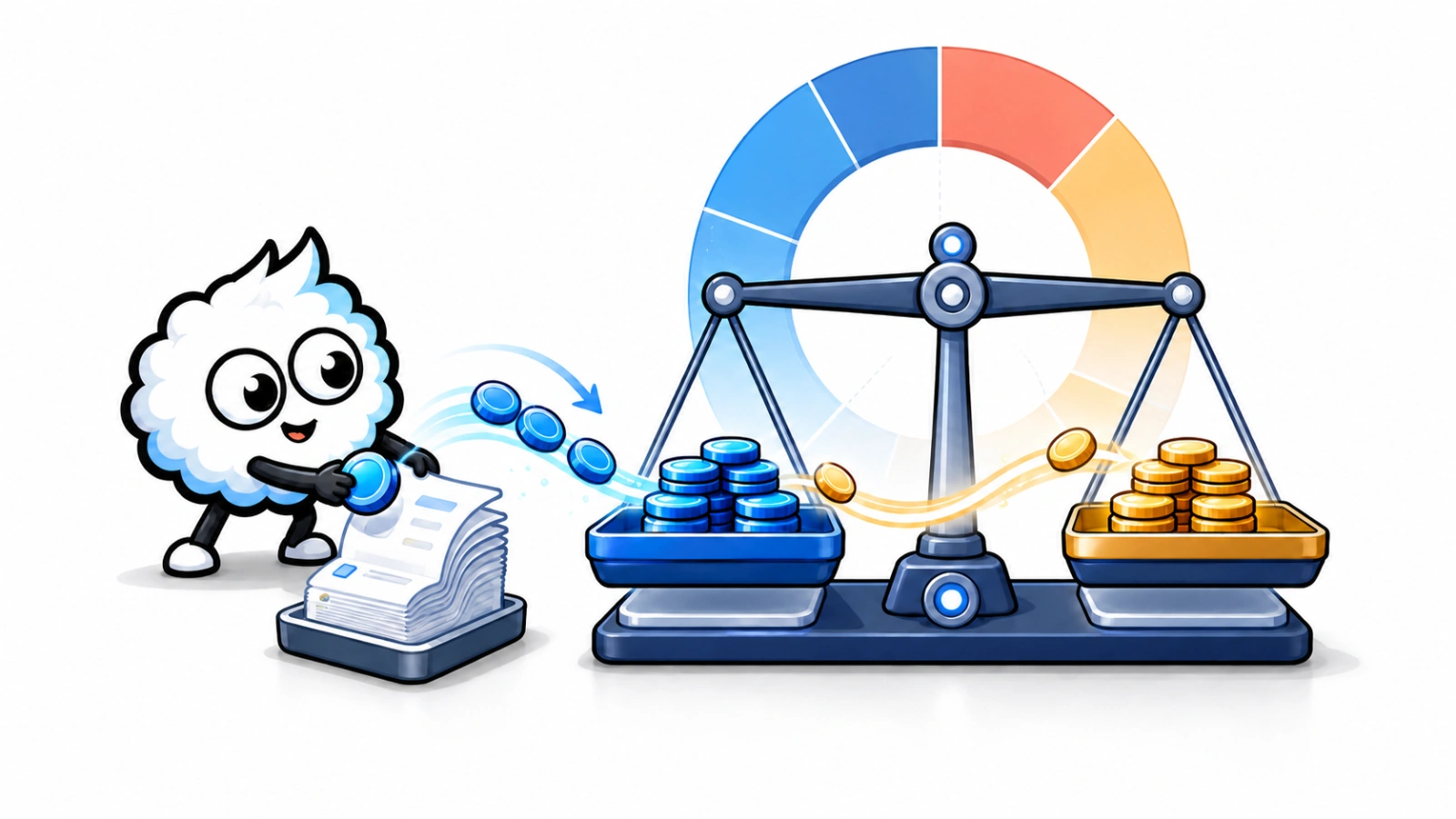

Accounts and transactions
The planned starting point is accounts and transactions: the individual financial records behind a business's operating picture. Keeping that detail in focus gives the future workspace a practical purpose before any summary is drawn.
Reconciliation
Reconciliation is part of Accounting's intended scope. The goal is to help people review financial activity and understand what needs attention, with a clear distinction between the underlying records and the picture they support.
-
Accounts
The planned workspace starts with the accounts being tracked.
-
Transactions
Individual activity provides the detail for review.
-
Reconciliation
The intended review connects that activity to an understandable financial position.
Financial summaries
Summarizing financial position is the third part of the proposed app. The aim is to make the bigger picture easier to discuss alongside the records behind it, so a review can move from individual activity to the business as a whole.
Reference documents
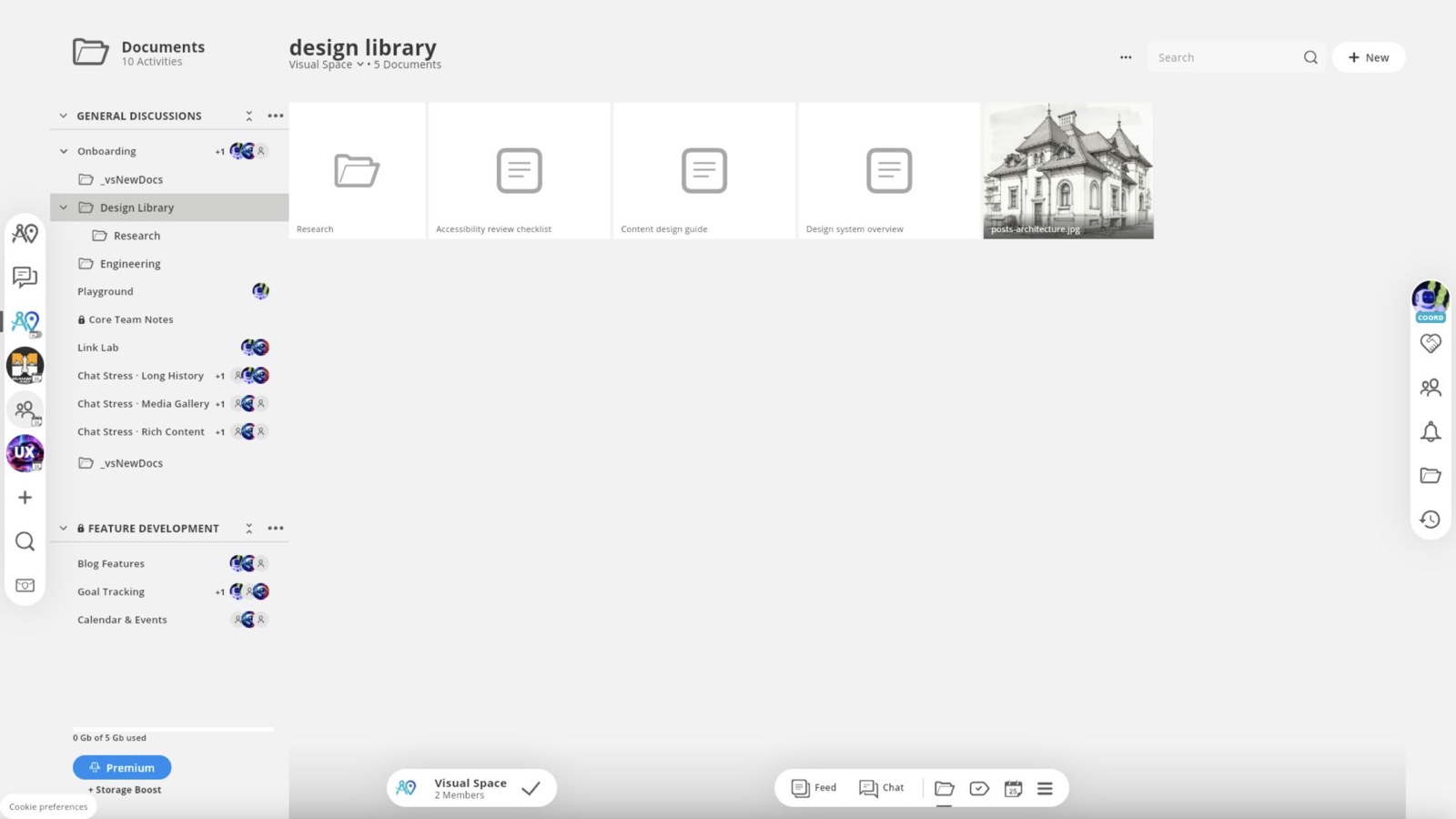
Documents already lets you collect files and notes in a space's activities and folders. Give the team a useful home for its reference material now. The image shows the existing Documents library; Accounting's future record and file workflows remain to be defined.
Related business apps
Accounting's planned role is financial activity and summaries. CRM focuses on customer relationships, Sales on opportunities, and Inventory on stock and movement. Together they describe Visual Space's Business direction; automatic data sharing and external integrations have not been defined. All four apps remain Coming Soon.
Related manual articles
A dedicated Accounting manual is not published yet. These guides cover app access, shared documents and related workflows.
Browse the full manual →