WavesSOON
Audio editing and mixing
Waves is a planned audio workspace for editing waveforms, arranging tracks, and reviewing sound together. From a spoken story to a layered mix, the direction is clear: hear the change, keep the source, and bring the work into your space.
Waveform editing
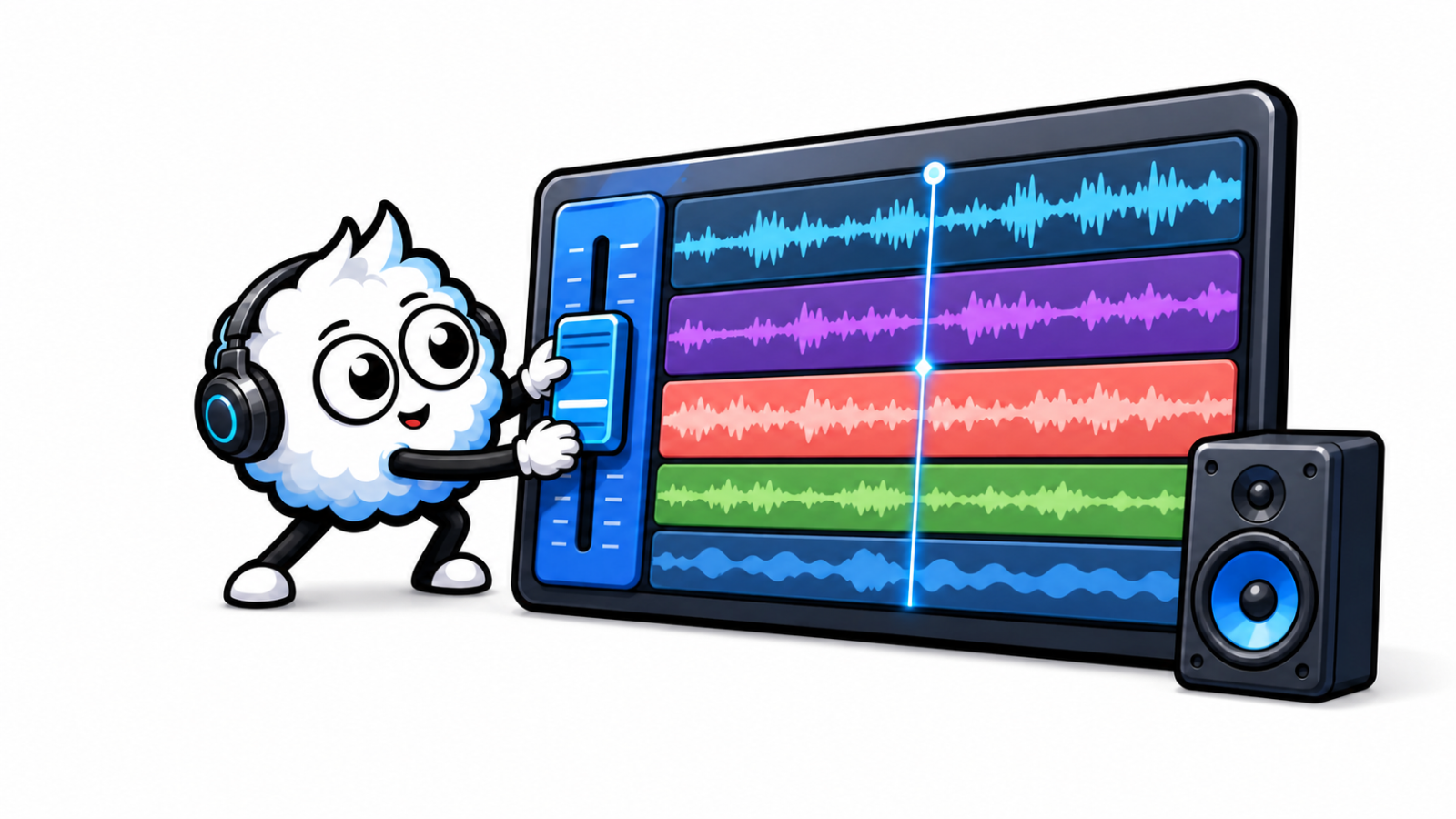
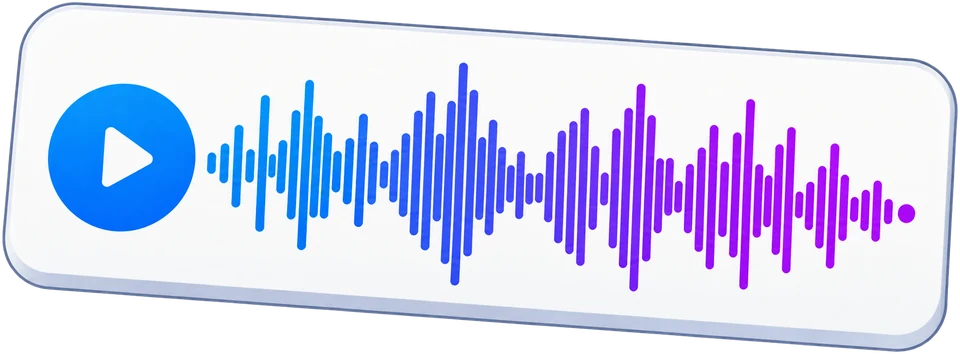
The planned waveform workspace puts listening and precise selections together. Trim the pause before a sentence, split a take, or fade a clip into the next. Clear playback controls, zoom, and markers are intended to keep an interview as approachable as a short recording.
Multitrack arrangement
Waves is planned for arranging and mixing tracks in one focused workspace. A narration, background music, and a sound cue should remain understandable parts of the same piece.
-
Source audio
Recording and audio import are planned entry points for voice, interviews, music, and sound assets.
-
Clip arrangement
Place and trim clips against a shared timeline so the timing supports the story.
-
Track levels
Planned track controls for gain, mute, and solo help you listen to each part and then the mix.
Audio corrections
Previewable cleanup is part of the Waves direction: compare a noise reduction, gain change, or fade by listening. The planned editing model keeps source recordings separate from edit decisions, leaving room to revisit a trim or treatment as the project develops.
Audio review and comments
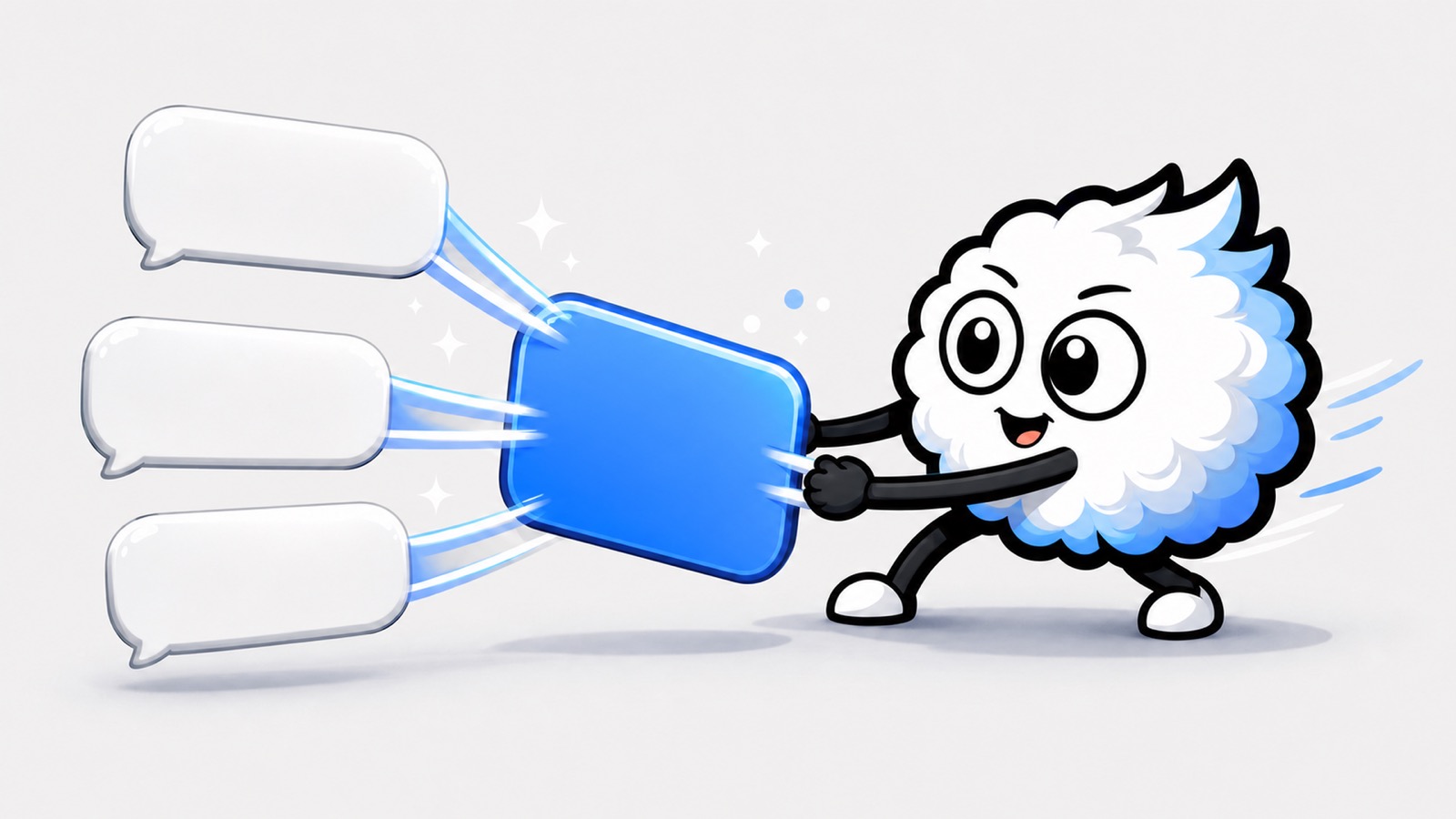
The planned collaboration workflow connects shared previews, project versions, and comments to clips or time ranges. Instead of explaining which moment needs attention in another conversation, the goal is to keep that feedback with the audio project inside Visual Space.
Projects and export
Waves is planned to distinguish the editable project from the audio you share. Full mixes and selected ranges are the intended first delivery choices, so a finished episode and a short review excerpt can come from the same working source. Final formats and export capabilities will be confirmed when the app becomes available.
Related manual articles
A dedicated Waves manual is not published yet. These guides cover app access, shared documents and related workflows.
Browse the full manual →